AI Productivity Assistant
How Flytivy AI Assistance Helps Windows Users Turn Text Into Useful Actions Faster
How Flytivy AI Assistance Helps Windows Users Turn Text Into Useful Actions Faster
If you spend your day moving between notes, emails, documents, chats, and browser tabs, small writing tasks can add up quickly. A Windows AI assistant can help reduce that friction by bringing common actions closer to your desktop workflow.
Flytivy AI Assistance is designed for that exact use case. Instead of opening a separate AI suite every time you need help, you can paste text, choose an action, adjust tone or language, and keep moving. That makes it a practical fit for solo professionals, support teams, sales teams, content operators, remote workers, and other Windows productivity users who want faster daily execution.
Why compact AI actions matter in daily work
The main challenge is not finding AI help. It is the switching.
When you stop to:
- open another app
- copy content back and forth
- reformat the result
- remember what you were doing
...you lose momentum.
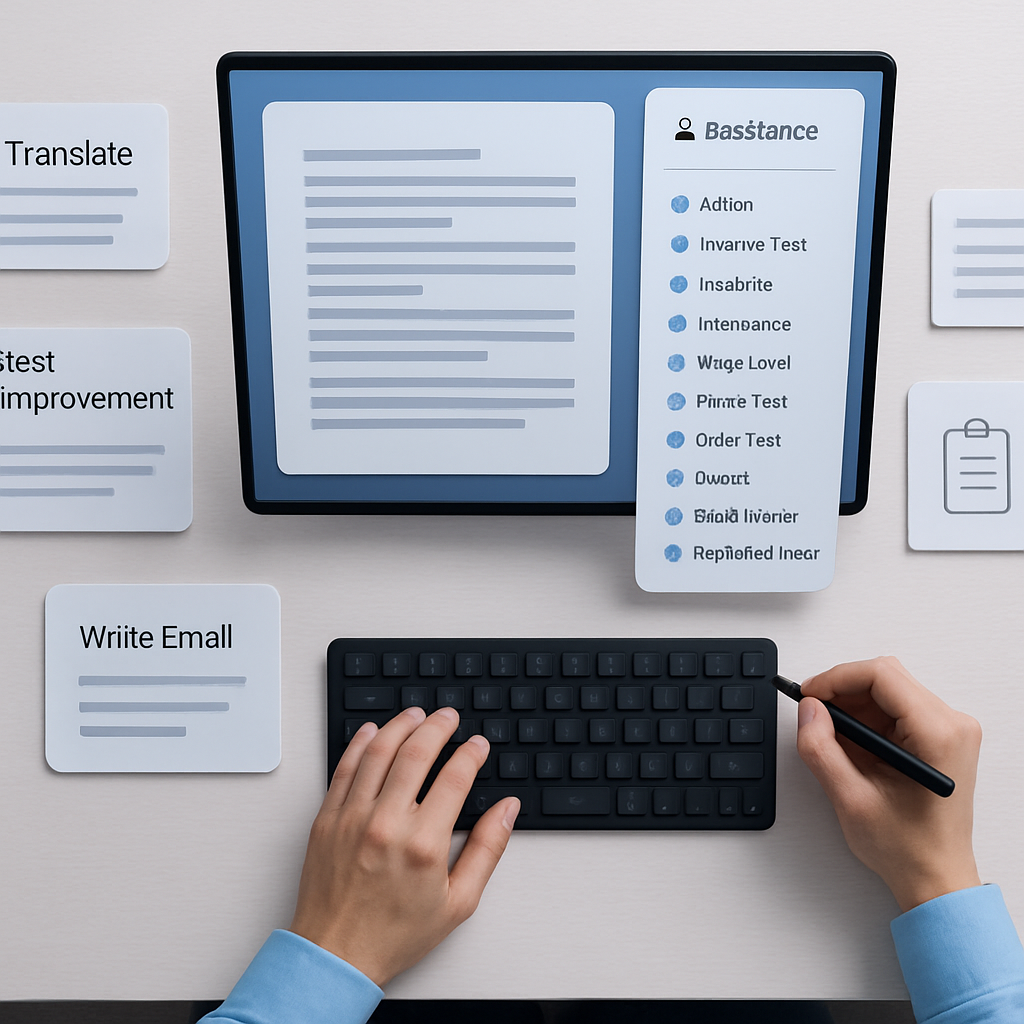
Flytivy AI Assistance is built to stay close to the task. Its compact design supports quick actions like:
- Ask AI
- Improve Text
- Translate
- Summarize
- Write Email
- Create Task
- Brainstorm
- Explain
- Make Shorter
- Professional tone
This makes it easier to turn raw text into something usable without leaving your workflow for long.
What Flytivy AI Assistance is designed to support
Flytivy is a compact Windows AI assistant built by Power CM Software with C#, WinUI 3, .NET 8, Windows App SDK, Supabase Edge Functions, and the OpenAI Responses API.
Its purpose is simple: help you work with text faster on Windows.
Common ways people may use it include:
- rewriting rough notes into cleaner text
- summarizing long paragraphs
- translating messages or content
- drafting short emails
- turning messages into task lists
- refining tone for business communication
- brainstorming a next step or idea
- shortening text before sending it
The app is designed around quick actions, editable output, and easy copy or replace workflows so you can continue your work with less interruption.
Key workflow features
Flytivy includes several features intended to make the daily text workflow more efficient:
- expanded and bubble/widget modes
- editable AI output
- copy and replace original actions
- regenerate option
- save note
- shorten and translate actions
- local history
- clipboard import
- contextual hotkeys
- model and theme settings
- company or custom instructions
- clear credit-based usage
These features are especially useful when you want a fast answer, but still need control over the final output.
Free, Pro, and Ultimate usage in practice
Flytivy uses a credit-based model so users can understand their usage more clearly.
Free
The Free version provides a quick trial with 10 AI actions. It is a practical way to test the workflow and see whether the app fits your desktop routine.
Pro
Pro includes:
- 500 monthly AI actions
- conversation history
- Clipboard AI
- shortcuts
- custom prompts
- image analysis
This level is aimed at users who rely on AI more often in day-to-day writing, support, sales, and content work.
Ultimate
Ultimate includes:
- 1200 monthly AI actions
- Document assistant
- export responses
This is a better fit for users who need more volume and document-oriented support.
How it can help with common Windows tasks
Flytivy is not about replacing your judgment. It is designed to help you move faster on repetitive text tasks.
Here are a few examples:
Writing support
If you start with rough notes, Flytivy can help you improve clarity, make text shorter, or change the tone to sound more professional.
Email drafting
When you need to send a quick reply, the Write Email action can help you turn a few bullet points into a more complete draft.
Translation and summaries
If you receive content in another language or need to condense a long message, translation and summarization actions can save time.
Task capture
Instead of leaving a message in your head or in a temporary note, you can use Create Task to turn text into a next step.
Clipboard-based work
With Clipboard AI in Pro, copied text can become a starting point for rewrite, summarize, translate, or other supported actions.
Security and architecture considerations
Flytivy AI Assistance is designed so production AI calls go through Supabase Edge Functions. That approach helps keep OpenAI keys server-side instead of shipping secret keys in the Windows app.
The product description also notes that the Windows app should not ship secret OpenAI, Supabase service role, or Google client secrets.
That is a good reminder for teams evaluating desktop AI tools: pay attention not only to user experience, but also to how the app handles credentials and server-side requests.
Who may benefit most
Flytivy may be a good fit for people who regularly need to:
- rewrite short pieces of text
- summarize messages or documents
- translate content quickly
- draft emails from notes
- capture tasks from conversations
- keep work inside a Windows desktop flow
If your work involves frequent text transformation, a compact assistant can help reduce friction without asking you to adopt a full-scale AI workspace.
Try Flytivy in your daily workflow
If you want a compact Windows AI assistant built for practical text actions, try Flytivy and see how it fits your routine.
Use the product when you need to move from raw text to useful output quickly, then return to your main task.
You can also start with a few quick actions and build from there with the Why a Compact Windows AI Assistant Can Reduce Daily Writing Friction article or the How a Compact Windows AI Assistant Helps You Write, Translate, and Capture Tasks Faster guide.
FAQ
What is Flytivy AI Assistance?
Flytivy AI Assistance is a compact Windows AI assistant designed to help with writing, summarizing, translation, email drafting, task creation, brainstorming, and other common text actions.
Does Flytivy replace human review?
No. It is designed to support your workflow, not replace human review or judgment.
How many AI actions are included?
Free includes 10 AI actions for a quick trial. Pro includes 500 monthly AI actions, and Ultimate includes 1200 monthly AI actions.
Does Pro include the Document assistant?
No. Based on the product description, the Document assistant is included in Ultimate.
Can Flytivy help with clipboard-based workflows?
Yes. Clipboard AI is included in Pro and is designed to help users work faster with copied text.