Private AI Memory
How to Turn Scattered Files into a Private AI Memory on Windows
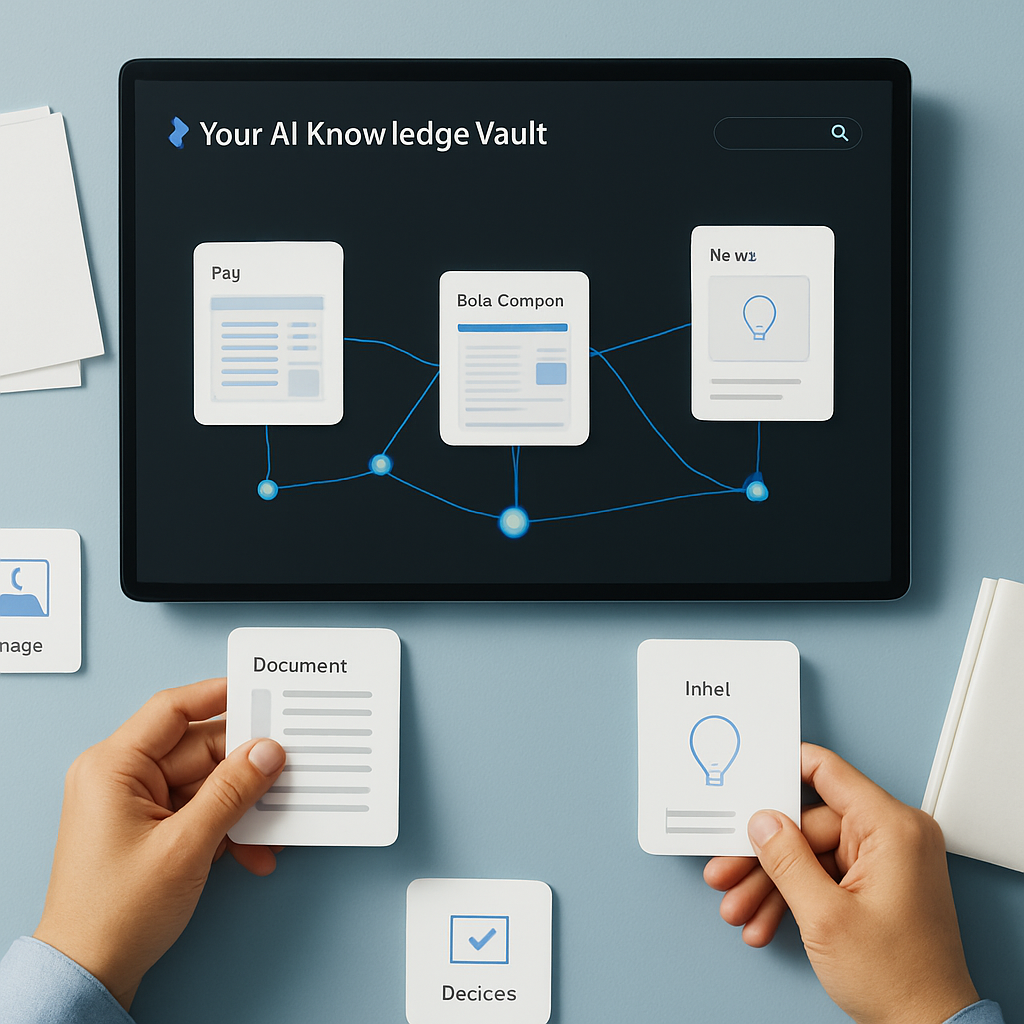
How to Turn Scattered Files into a Private AI Memory on Windows
If your Windows machine is full of notes, PDFs, screenshots, web captures, and half-finished decisions, the problem is usually not storage. It is recall. You know the information exists, but when you need it, it is buried in folders, filenames, and browser tabs.
A private AI memory on Windows is designed to help with that. Instead of treating your files like isolated documents, it gives you a way to organize them into a searchable knowledge base you can ask in natural language.
In this guide, you will learn how a private AI memory works, what kind of material it can support, and how Flytivy AI Knowledge Vault helps users build a local-first workspace for better recall.
What a private AI memory actually does
A private AI memory is not just a file browser with a search bar. It is a system that helps you turn scattered information into connected knowledge.
In practice, that means:
- keeping documents, notes, PDFs, images, and web captures in one place
- indexing local files so they can be discovered by meaning, not only by folder name
- making it easier to revisit past decisions and supporting context
- letting you ask questions like “What did I decide about this client?” or “Where is that screenshot with the architecture note?”
For knowledge workers, founders, consultants, researchers, operations teams, and privacy-conscious users, this can reduce the time spent hunting for context.
Why scattered files become a problem
Most people do not lose information because they delete it. They lose it because the material is fragmented.
Common sources of fragmentation include:
- project notes saved in different apps
- PDFs downloaded for later reading
- screenshots that contain important details
- web pages captured for reference
- meeting decisions stored in chat, email, or notes
- ideas written in multiple places over time
When that happens, retrieval becomes guesswork. You may remember the topic, but not the exact filename or folder path. A private AI memory is useful because it focuses on meaning and context.
How Flytivy AI Knowledge Vault fits this workflow
Flytivy AI Knowledge Vault is a native Windows desktop app built for a private, local-first AI knowledge vault. It is designed to help users organize documents, notes, PDFs, images, web captures, ideas, and decisions into a private memory that can be searched by meaning.
The product is based on a Windows desktop experience with local folder indexing for discovery, source-grounded answers, and a workflow centered on asking your vault.
Some of the main ideas behind the product include:
- Ask Your Vault for natural-language retrieval
- Memory Cards for structured recall
- Knowledge Graph concepts for connected context
- local-first indexing for metadata-driven discovery
- OCR-oriented image workflows for screenshot-heavy work
- timelines for decisions and ideas to revisit the reasoning behind past choices
The current production model keeps document bytes on the machine by default, while identity, device state, subscription state, optional metadata sync, and analytics telemetry are handled through Supabase-backed services. As with any software that uses cloud services, it is best to review the current product behavior and settings for your use case.
A practical way to think about your vault
The easiest way to build a useful private AI memory is to think in layers.
1) Capture the source material
Add the kinds of files you actually use:
- notes
- PDFs
- screenshots
- images
- captured web pages
- decision logs
- project summaries
2) Make the material discoverable
Indexing helps the vault understand what exists locally and what can be searched later. In Flytivy, local folder indexing is designed to support metadata-first discovery so the vault can surface relevant sources faster.
3) Ask better questions
Once the material is indexed, you can ask for context instead of browsing manually. That is where semantic search and source-grounded answers become valuable.
4) Revisit decisions over time
The real value of memory is not just finding a file. It is understanding why a decision was made, what changed, and what source material supports the answer.
What kinds of questions work best
A private AI memory works best when you ask specific, context-rich questions.
Examples:
- What did we decide about the onboarding flow last month?
- Which notes mention the customer segmentation idea?
- Where is the screenshot that includes the pricing mockup?
- What documents support the launch plan for Q3?
- Which captured web pages mention this vendor comparison?
If you want more practical prompting patterns, you can also read How to Ask Your Vault for Faster Recall on Windows: Practical Queries for Notes, PDFs, Images, and Decisions.
Why local-first matters for this use case
For many users, local-first design is a major reason to adopt a private AI memory.
A local-first workflow can help you:
- keep documents on your machine by default
- reduce dependence on manual cloud upload routines
- organize knowledge from files already stored on Windows
- maintain a workflow that is more aligned with private desktop use
Flytivy AI Knowledge Vault is built around this local-first model, with the desktop app indexing local folders for discovery and using authenticated product services for identity and other account-level features.
How to start with the right structure
If you are just getting started, do not try to index everything at once. Begin with a few high-value folders.
Good starting points:
- current client work
- active research
- important PDFs
- screenshots from recent projects
- decision notes
- internal docs or working notes
A focused start makes it easier to see value quickly and helps you ask better questions once the vault has meaningful context.
If you need setup guidance, this step-by-step article can help: How to Activate Flytivy AI Knowledge Vault on Windows, Index Local Files, and Start Asking Better Questions.
When a private AI memory is most useful
This workflow tends to be especially useful when you:
- switch between many projects
- revisit old decisions frequently
- keep important context in screenshots or PDFs
- need faster recall across notes and documents
- want a more private desktop-centered knowledge workflow
It is also useful when your work depends on connecting small pieces of evidence rather than reading one large document.
What to expect from the product experience
Flytivy AI Knowledge Vault is designed as a Windows desktop app with a native feel, including a Mica/glass visual shell and a single-instance process guard.
Protected actions such as adding a folder, indexing locally, asking the vault, and opening a result may require sign-in. The first screen is usable in free mode, but the product is designed so that key vault workflows are gated appropriately.
For users evaluating upgrades, the general flow is to start with the free experience, test the vault, and then consider Pro or Business options if they need broader usage or team-oriented needs. Always review the current plan details, feature limits, and upgrade terms before deciding.
Internal link ideas for related reading
If you are building a content path around private memory and retrieval, these related resources are useful next steps:
- Build your private AI memory
- How to Ask Your Vault for Faster Recall on Windows: Practical Queries for Notes, PDFs, Images, and Decisions
- How to Activate Flytivy AI Knowledge Vault on Windows, Index Local Files, and Start Asking Better Questions
FAQ
### What is a private AI memory on Windows?
A private AI memory on Windows is a local-first knowledge workflow that helps you store, index, and retrieve documents, notes, screenshots, and decisions by meaning rather than by folder path alone.
### What kinds of files can I use?
Flytivy AI Knowledge Vault is described for documents, notes, PDFs, images, screenshots, web captures, ideas, and decisions.
### Does it upload all my documents to the cloud by default?
No. The current production model says document bytes stay on the machine by default. Supabase is used for identity, subscription state, optional metadata sync, and analytics telemetry. Review current settings and product behavior for the latest details.
### Can I ask the vault in natural language?
Yes. The product is designed around asking your vault questions in a practical, search-like workflow.
### Is this a replacement for legal, medical, or financial advice?
No. AI-generated answers should not be treated as professional advice in those areas.
Final takeaway
If your files are scattered across folders, screenshots, PDFs, and notes, a private AI memory can make your Windows workflow much easier to navigate. The goal is not to store more information. It is to recover the right context faster.
Flytivy AI Knowledge Vault is built to help you turn that scattered material into a searchable private memory with local-first indexing, semantic retrieval, and source-aware answers.
Ready to start? Build your private AI memory or ask your vault once your files are indexed.