Knowledge Management
How to Ask Your Vault for Faster Recall on Windows: Practical Queries for Notes, PDFs, Images, and Decisions
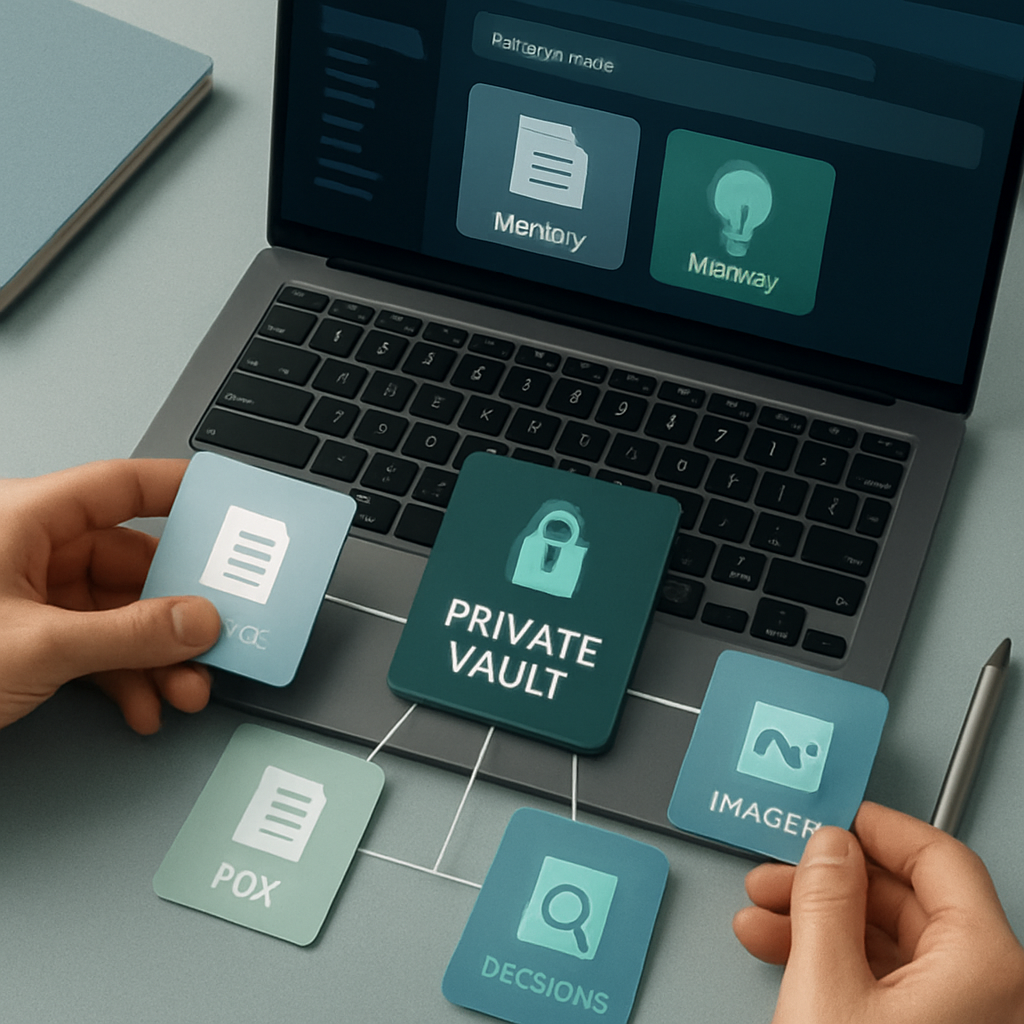
How to Ask Your Vault for Faster Recall on Windows: Practical Queries for Notes, PDFs, Images, and Decisions
If your documents, notes, screenshots, PDFs, and web captures are spread across too many folders, the hard part is not storing them. It is finding the right context at the right moment.
That is where ask your vault workflows help. Instead of browsing folders manually, you can query your private knowledge vault by meaning and pull back connected context from the material you already saved.
Flytivy AI Knowledge Vault is designed for this kind of workflow on Windows. It helps you organize private material into a searchable memory, then ask questions against that memory when you need a fast reminder, a decision trail, or a source-backed answer.
What “ask your vault” means in practice
When people say “ask your vault,” they usually mean one thing: turning a pile of saved information into something you can query naturally.
In Flytivy, that can include:
- notes and personal ideas
- PDFs and documents
- images and screenshots
- web captures and saved pages
- decisions, tasks, and project context
The goal is not just storage. It is recall. You want to ask questions like:
- What did I decide about this client last month?
- Which note mentioned this risk?
- Where did I save that PDF with the pricing details?
- What screenshot captured the design idea I liked?
- What are the main points from this research bundle?
Why this matters for knowledge workers
Most teams and solo professionals already have enough information. The challenge is retrieval.
Without a search layer built around meaning, you often waste time:
- reopening the same folders
- searching file names you do not remember
- reading several documents to recover one decision
- switching between apps to reconstruct context
- losing useful screenshots or reference material in the process
A private AI knowledge vault is useful because it supports a more natural workflow: save once, query later.
For knowledge workers, founders, consultants, researchers, operations teams, and privacy-conscious Windows users, that can mean faster decisions and less context switching.
What you can ask your vault about
The best queries are usually specific and outcome-focused. Here are practical categories that work well.
1. Decisions and project history
Use your vault to recover why something was decided, not just what was decided.
Examples:
- What decision did we make about the launch timeline?
- Which note explains why we chose this vendor?
- What were the tradeoffs discussed in that meeting summary?
This is useful when you need continuity across projects or when a team member asks for background.
2. Notes and ideas
A vault can help you rediscover ideas you wrote down weeks ago.
Examples:
- Show me notes related to onboarding improvements.
- What idea did I save about pricing tests?
- Find the note where I listed follow-up questions for the proposal.
3. PDFs and documents
When a PDF is saved but not remembered, semantic search can help you find it by meaning rather than folder structure.
Examples:
- Which PDF mentioned the compliance checklist?
- Find the document about the client’s implementation notes.
- Show me the file that contains the rollout summary.
4. Images and screenshots
Screenshots often contain valuable context that gets lost.
Examples:
- Find the screenshot with the dashboard layout.
- Show me the image that captured the error message.
- Which capture included the interface I wanted to revisit?
5. Web captures and research clips
Saved pages are often useful long after the browser tab is closed.
Examples:
- What saved article discussed this market trend?
- Find the web capture with the workflow example.
- Which page had the comparison table I saved last week?
How to get better answers from your vault
Good querying is less about fancy wording and more about clarity.
Be specific about the outcome
Instead of asking only “What do I have on this?” try:
- What did I decide about this feature?
- Which note has the next steps for this client?
- Find the PDF that explains the process change.
Include the context you remember
A few extra details can help the vault narrow the result:
- project name
- client name
- approximate time period
- document type
- topic or keyword
Example:
- What did I save last month about the vendor evaluation for the finance project?
Ask for source-backed recall
When possible, ask for the supporting material.
Examples:
- Show the source for that decision.
- Which note supports this summary?
- What files are connected to this answer?
This is especially useful when you want to review the underlying material instead of relying only on a short response.
What Flytivy AI Knowledge Vault is designed to support
Flytivy AI Knowledge Vault is a native Windows desktop app built for a private, local-first knowledge workflow.
It is designed to help you turn scattered material into a private memory you can search by meaning.
Key workflow ideas include:
- local-first indexing for discovery
- semantic search across saved material
- source-grounded answers
- memory cards and connected context
- timelines for ideas and decisions
- optional cloud AI features for answering questions
The app uses a Windows desktop experience and supports private vault workflows where your local document bytes stay on the machine by default. Supabase handles identity, device state, subscription state, optional metadata sync, and analytics telemetry.
Practical first steps on Windows
If you are getting started, a simple workflow usually works best.
- Install and open Flytivy on Windows.
- Activate your vault.
- Add or connect the folders and sources you want to index.
- Let local indexing organize the metadata.
- Start asking questions about your notes, PDFs, images, and decisions.
If you want a guided walkthrough, see How to Activate Flytivy AI Knowledge Vault on Windows, Index Local Files, and Start Asking Better Questions.
When to use Ask Your Vault instead of manual search
Use Ask Your Vault when you remember the meaning, but not the exact file name.
It is especially helpful when:
- the document could be in several folders
- you remember part of the discussion, not the title
- the answer is spread across multiple notes
- the important thing is the decision trail, not just the file location
- you want to revisit context quickly before a meeting
Manual search still has its place, but vault-based querying is often faster when the memory is fuzzy and the context matters.
Pro and Business considerations
Some protected operations in the app may require sign-in, and plan-specific features can affect what is available.
Depending on the plan, features such as local indexing, vault questions, OCR-oriented image workflows, or graph-related capabilities may have usage limits or upgrade paths.
If you are comparing plans, it is best to review the current product details before relying on a specific workflow.
Common mistakes to avoid
A few habits can make vault search feel weaker than it really is:
- asking overly broad questions
- not adding enough context
- expecting one query to replace the source material
- forgetting to index the folders you care about
- assuming every result will be equally relevant without refining the prompt
A better approach is to ask a focused first question, then follow up with a narrower one.
FAQ
Can I ask my vault about PDFs, notes, screenshots, and web captures?
Yes. Flytivy AI Knowledge Vault is built around private knowledge workflows that can include documents, notes, PDFs, images, screenshots, and web captures.
Does the app upload all my documents to the cloud by default?
No. The current production model keeps document bytes on the machine by default. Some authenticated metadata and selected source summaries can be used for product workflows and answer generation, but not full document contents from the current indexer by default.
Is Ask Your Vault the same as normal file search?
Not exactly. Normal file search usually depends on names, folders, or keywords. Ask Your Vault is designed to search by meaning and context.
Can the vault answer legal, medical, or financial questions for me?
It can help you organize and review your own material, but it should not be treated as professional advice.
Do all plans include the same OCR or graph capabilities?
No. Plan features can vary, so it is best to check the current plan details for any limits or upgrade options.
Related guides
- How to Build a Private AI Memory on Windows for Better Recall, Faster Decisions, and Less Context Switching
- Build your private AI memory
Final takeaway
If your work depends on remembering decisions, finding old notes, or reconnecting scattered material, Ask Your Vault can make the process much faster.
The real value is not just in storing more content. It is in turning that content into a private memory you can query when you need it.