Private AI Memory
How to Build a Private AI Memory on Windows for Better Recall, Faster Decisions, and Less Context Switching
How to Build a Private AI Memory on Windows for Better Recall, Faster Decisions, and Less Context Switching
If your work lives across folders, screenshots, PDFs, notes, and browser tabs, it can be hard to find the right context when you need it most. A private AI memory on Windows helps you organize that information into a searchable vault so you can find ideas, decisions, and source material by meaning instead of by filename.
Flytivy AI Knowledge Vault is designed for that workflow. It helps you turn scattered knowledge into a private memory you can search, revisit, and ask about later.
What a private AI memory actually does
A private AI memory is more than a file cabinet. It is a system for collecting useful information, indexing it locally, and making it easier to retrieve later.
With Flytivy, that can include:
- Documents and PDFs
- Notes and text snippets
- Screenshots and images
- Web captures
- Decisions and project context
- Research references and working ideas
Instead of remembering where something was saved, you can focus on what it means.
Why Windows users need a better recall system
Many Windows workflows are built around folders, desktop files, and ad hoc note apps. That works until the volume grows.
Common problems include:
- Important context gets buried in old folders
- Screenshots are saved but never revisited
- Decisions are scattered across chats, docs, and notes
- Teams lose time re-searching the same information
- Folder names do not match how people actually think
A private AI memory is useful because it gives you a way to retrieve knowledge by intent, not just by file location.
How Flytivy AI Knowledge Vault supports private memory on Windows
Flytivy AI Knowledge Vault is a native Windows desktop app built for local-first knowledge workflows. It is designed to help you:
- activate the vault
- index local folders for metadata-first discovery
- ask questions about your vault
- revisit source-backed context
- use memory cards and timelines to organize ideas and decisions
The current production model keeps document bytes on the machine by default. Supabase handles identity, device state, subscription state, optional metadata sync, and telemetry. For AI responses, the product uses authenticated metadata and selected source summaries rather than sending full document contents from the current indexer by default.
Step 1: Collect the right kinds of knowledge
A strong private AI memory starts with a mix of materials that support real work.
Good candidates include:
- project notes
- meeting summaries
- client briefs
- research PDFs
- screenshots of web pages or dashboards
- decision logs
- reference material you revisit often
You do not need to organize everything perfectly before starting. The goal is to create a useful knowledge base that grows with your workflow.
Step 2: Index local folders for faster discovery
Local-first indexing is the foundation of a practical vault. When you add a folder, Flytivy can help make its contents easier to discover through metadata-first indexing and semantic search.
That means you can retrieve useful context even when you do not remember the exact file name.
A good indexing habit is to:
- start with one high-value folder
- use folders that contain active work
- include notes, PDFs, and reference materials together when appropriate
- revisit the vault as your projects change
For a deeper walkthrough, see How to Turn Scattered Files into a Private AI Memory on Windows.
Step 3: Ask your vault in plain language
Once your vault is indexed, the next step is to query it naturally.
Instead of searching for a filename, you can ask things like:
- What did I decide about this client proposal?
- Which notes mention the product launch timeline?
- Show me the documents related to onboarding.
- What was the conclusion from the research brief?
This is where the Ask Your Vault workflow is especially useful. It is designed to help you find decisions, notes, and files faster by asking for the idea you want, not just the exact words you typed.
If you want practical query examples, read How to Use Ask Your Vault to Find Decisions, Notes, and Files Faster on Windows.
Step 4: Organize memory with source-aware structure
A useful private AI memory should not feel like a black box. It should help you connect the answer back to the source.
Flytivy supports product concepts such as:
- Memory Cards for compact knowledge capture
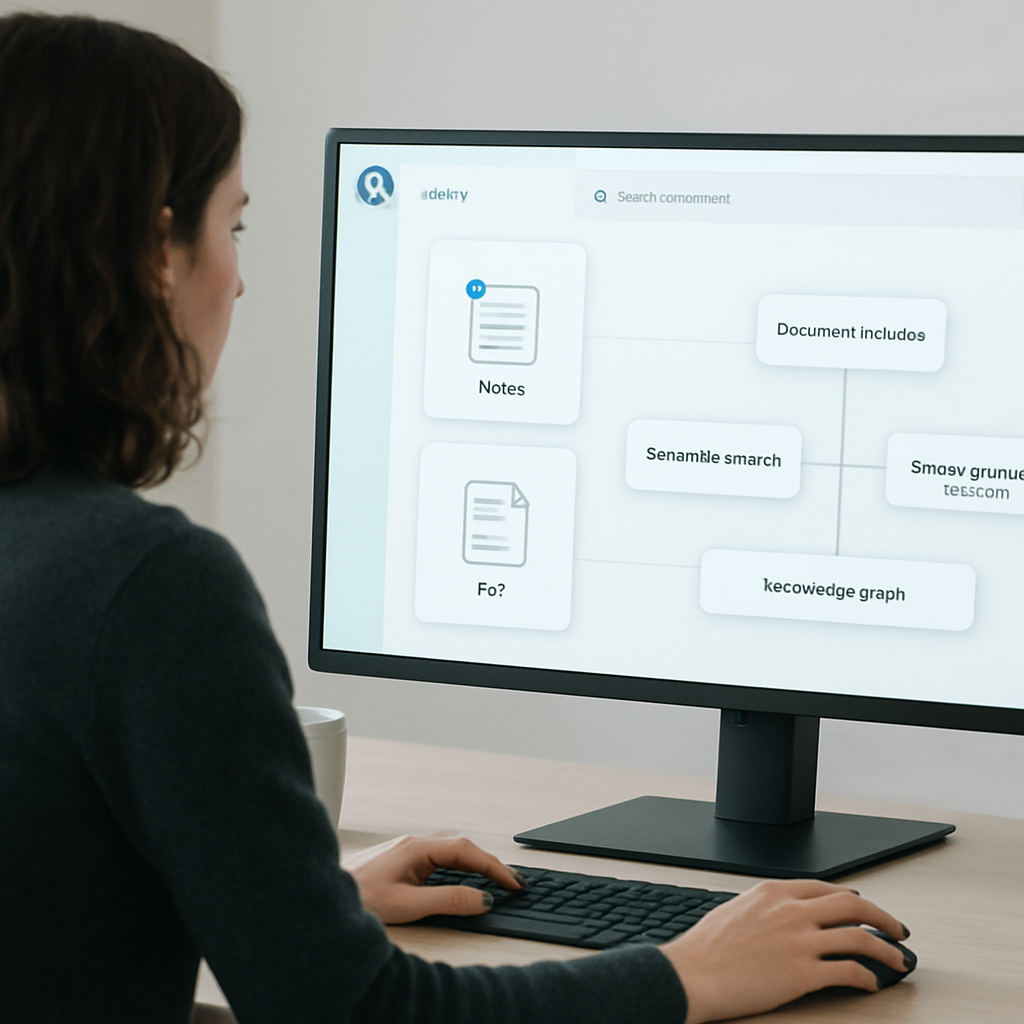
- Knowledge Graph views for relationships between ideas
- timelines for decisions and ongoing work
- source-grounded answers that help you trace context
This matters because recall is better when you can see how a note, file, or decision fits into the bigger picture.
Step 5: Make images and screenshots searchable
Screenshots are often where the most useful information ends up hiding.
That can include:
- dashboard states
- error messages
- whiteboard captures
- web research snapshots
- visual references for design or operations
A private AI memory workflow becomes much more valuable when images and screenshots are part of the knowledge system, not just files sitting in a folder.
Who benefits most from a private AI memory on Windows
This workflow is especially useful for:
- knowledge workers who manage many documents
- founders tracking decisions and strategy
- consultants revisiting client context
- researchers collecting references over time
- operations teams handling procedures and project notes
- privacy-conscious users who prefer local-first workflows
- Windows desktop users who want a native app experience
When to consider a Pro or Business upgrade
Some users can get started with the free experience, while protected actions such as adding a folder, indexing locally, asking the vault, and opening a result may require sign-in.
If your workflow depends on more frequent use, larger knowledge sets, or team-oriented needs, it can make sense to evaluate the Pro or Business options available in the product. Plan capabilities can vary, so review the current subscription details before relying on specific features.
Practical setup tips for better results
To get more value from your vault:
- start with one workflow you use every day
- index the folders that contain current work
- keep decisions and notes close to the related material
- use clear naming for source files when possible
- revisit the vault after meetings, research, or project changes
Small habits make the vault more useful over time.
Final thoughts
A private AI memory on Windows helps you reduce context switching and recover context faster. Instead of searching through disconnected folders and old screenshots, you get a private knowledge system that is built for meaning-based recall.
If you want to build that workflow with a native Windows app, start here: Build your private AI memory.
FAQ
### What is a private AI memory on Windows?
A private AI memory on Windows is a local-first knowledge system that helps you store, index, and retrieve documents, notes, screenshots, and decisions by meaning instead of only by folder name.
### Does Flytivy AI Knowledge Vault upload all my documents to the cloud?
No. The current production model keeps document bytes on the machine by default. Supabase is used for identity, device state, subscription state, optional metadata sync, and telemetry.
### Can I ask questions in natural language?
Yes. Flytivy is designed for an Ask Your Vault workflow, where you can ask about decisions, notes, and files using plain language.
### Is OCR available for images and screenshots?
Flytivy is designed for OCR-oriented image workflows, but available capabilities can depend on the current product setup and plan limits.
### Is this a replacement for legal, medical, or financial advice?
No. AI answers should not be treated as professional legal, medical, or financial advice.
Internal link suggestions
- How to Use Ask Your Vault to Find Decisions, Notes, and Files Faster on Windows
- How to Turn Scattered Files into a Private AI Memory on Windows
CTA
Ready to turn scattered files into something you can actually query? Build your private AI memory and start asking your vault better questions.