Smart inbox
New downloads land in a review flow with suggested folder, name and category before anything changes.
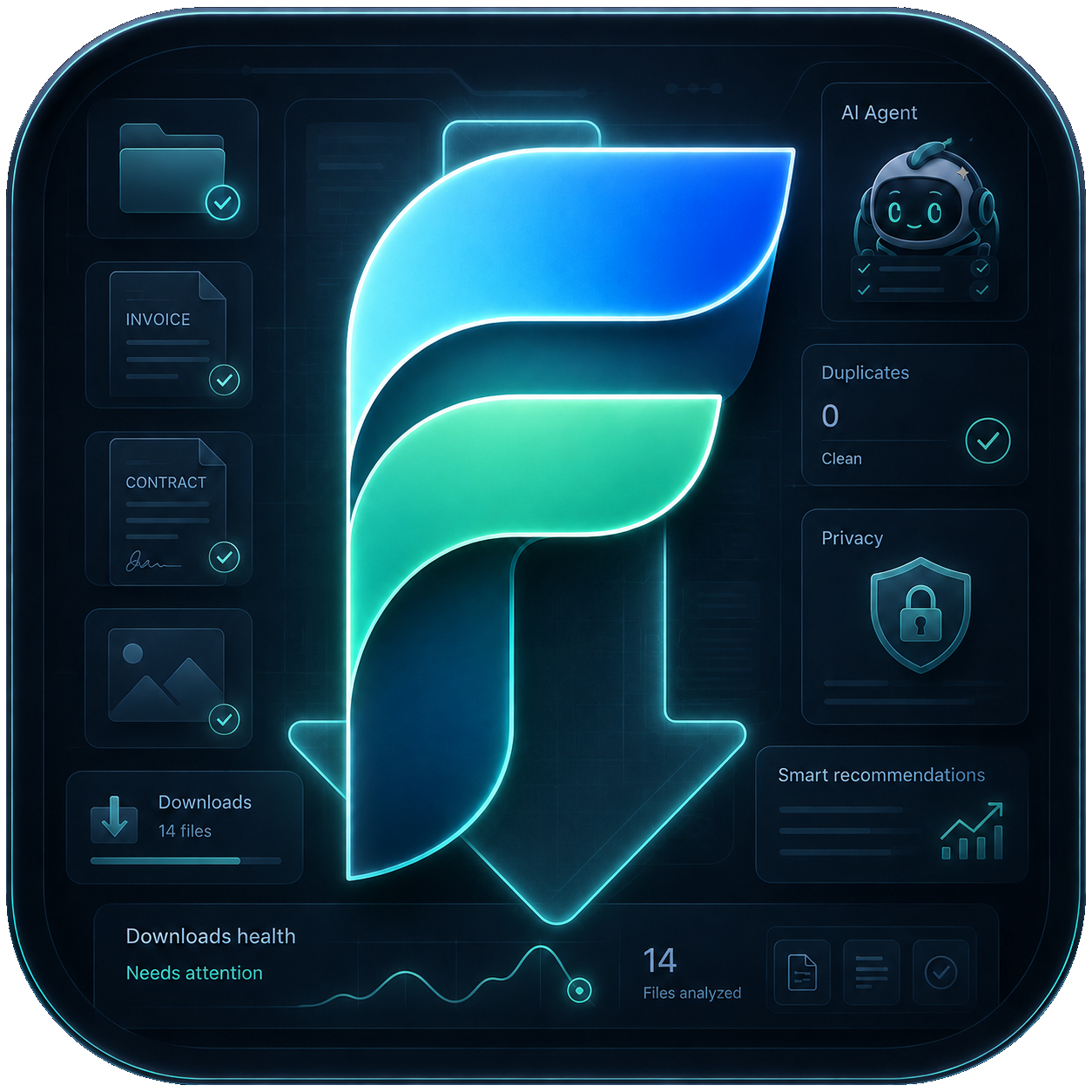 Flytivy AI
Download Manager
Flytivy AI
Download Manager

Local-first AI organizer for Windows
Flytivy classifies invoices, contracts, images, installers and duplicates; it suggests safe actions and only moves files after you approve.
Built for busy Downloads folders
Flytivy watches your Downloads folder, builds a local index, detects what each file probably is and groups the next best actions into a review queue. It is made for repeated daily cleanup, not a one-time scan.
What it does
New downloads land in a review flow with suggested folder, name and category before anything changes.
Identify finance documents, signed agreements, receipts and reports so they are routed consistently.
Find repeated downloads, same-name candidates and exact copies with safe removal suggestions.
Move old setup files, ZIP exports and partial downloads into an archive policy you control.
Turn plain instructions into repeatable organization rules for vendors, projects and file types.
Search your local file index with questions like "find March Amazon invoices" or "show signed contracts".
Privacy by default
The app starts in Free mode with local metadata and manual approval. Cloud AI, telemetry sync, billing and cross-device rules only unlock after sign-in and clear consent.
Workflow
Flytivy builds a local index of files, names, dates, extensions and cleanup candidates.
Invoices, contracts, installers, images and duplicates are grouped into clear next actions.
You accept, edit, ignore or turn a suggestion into a rule. Nothing moves without approval.
Sign in to unlock AI operations, account billing, telemetry and rules that can evolve over time.
AI assistant included
Flytivy's assistant highlights why a file belongs in a folder, why a duplicate is safe to review and when a rule is worth creating.

Plans
$0
For daily cleanup
For teams
FAQ
The installed Windows app receives the browser callback locally at http://localhost:53987/auth/callback. The public product URL is the landing page; the localhost URL is only the app handoff.
No by default. The app starts local-first and asks before cloud AI analysis or synced operations.
Yes. Free mode previews local recommendations and duplicate candidates. AI operations, billing and sync prompt for login.
Ready for Windows
Get the Windows app from Microsoft Store. The app runs local-first and asks before cloud AI, sync or billing actions.