Productivity Workflows
How to Create a Simple Task Workflow for Founders and Small Teams Without Losing Context
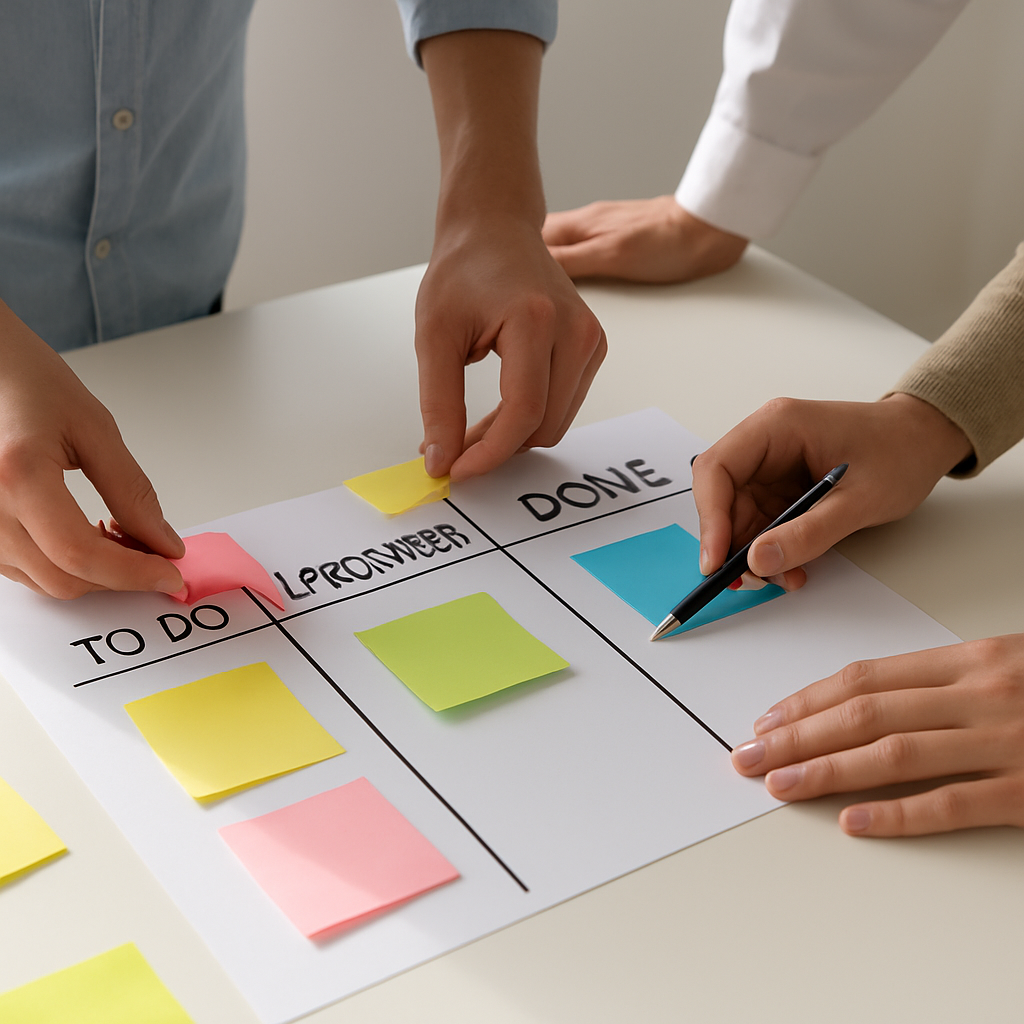
How to Create a Simple Task Workflow for Founders and Small Teams Without Losing Context
For founders and small teams, task management often breaks down for a simple reason: the system becomes harder to manage than the work itself.
A good workflow should help people see what matters, move tasks forward, and keep the right context close by. It should not force a team into bloated processes or too many disconnected tools.
That is where a simple task workflow for small teams matters most. The goal is not to create the most advanced system possible. The goal is to create one that your team can actually use every day.
Task it All is designed for that kind of daily work. It combines personal tasks, subtasks, notes, comments, reminders, attachments, and team collaboration in one local-first desktop workflow. Small teams can start with personal organization and expand into shared execution when needed.
If you want a practical model, this guide shows how to keep your workflow simple while still preserving visibility and follow-up.
Why simple workflows usually work better for small teams
Small teams rarely need heavy project bureaucracy. What they need is:
- a clear list of current work
- simple ownership
- visible due dates and reminders
- comments that preserve decisions
- subtasks for breaking work down
- enough structure to review progress without friction
The problem with overly complex systems is not just time loss. Complexity also creates hidden work:
- people stop updating tasks
- decisions get buried in chat tools
- priorities drift
- handoffs become unclear
- managers lose visibility unless they ask manually
A simpler workflow can reduce that overhead because it keeps planning and execution closer together.
What a simple task workflow should include
A small-team workflow does not need dozens of custom layers. In most cases, it should include these basics:
1. Tasks for the main units of work
Each meaningful piece of work should exist as a task. That creates a visible record of what is planned, active, blocked, or completed.
2. Subtasks for execution steps
Subtasks help when the main task has several concrete actions. Instead of creating clutter with too many standalone items, a team can keep related work nested together.
3. Comments for decisions and follow-up
Comments matter because teams need context, not just status. A short note explaining a blocker, a change, or a next step can save a lot of back-and-forth later.
4. Notes and attachments for supporting details
Work is easier to manage when the relevant material lives close to the task instead of being scattered across separate places.
5. Due dates, reminders, and status flow
A workflow needs time signals. Due dates and reminders help teams notice what needs attention, while statuses help everyone understand movement.
A practical 5-step model for small teams
Here is a lightweight structure founders and small teams can apply without overcomplicating daily work.
Step 1: Create tasks around outcomes, not vague activity
Instead of using unclear titles like:
- Check website
- Marketing stuff
- Follow up
create tasks that represent real outcomes:
- Update homepage pricing section
- Prepare weekly sales follow-up list
- Review customer onboarding notes
This makes the task list easier to scan and easier to assign.
In Task it All, teams can create a task and then add the surrounding details that support execution, including comments, notes, due dates, reminders, priorities, and attachments.
Step 2: Break only the necessary work into subtasks
Not every task needs a complex structure. But when a task has multiple steps, subtasks can keep execution clear.
For example:
Main task: Launch April client update email
Subtasks:
- Draft message
- Review links and attachments
- Get final approval
- Schedule send
This keeps the work grouped without flooding the main workspace with too many disconnected items.
If your team already uses comments and subtasks together, you may also want to read How to Use a Task App With Comments, Notes, and Subtasks for Small Team Collaboration.
Step 3: Keep decisions inside the task, not in separate channels only
One of the biggest reasons small-team workflows become messy is that decisions happen elsewhere.
A task says one thing, but the real update happened in a message thread, a quick chat, or a meeting nobody documented.
A better approach is to leave short comments directly on the task when something important changes, such as:
- why the due date moved
- who is now handling the next step
- what blocker needs resolution
- what was agreed in review
Task it All supports comments and team collaboration so the task record stays closer to the actual work. That can make follow-up easier, especially when several people need visibility.
Step 4: Use status and reminders to drive the day
A simple workflow becomes more useful when status changes reflect reality.
For example, a team might review tasks through a straightforward daily flow such as:
- Not started
- In progress
- Blocked
- Done
Add due dates and reminders only where timing matters. This keeps alerts meaningful instead of noisy.
Task it All also supports alarms, due dates, reminders, and notification behavior for assignments, helping teams notice important changes without relying only on memory.
Step 5: Review work in a short daily rhythm
Even the best workflow becomes stale if nobody reviews it.
A short daily review can be enough:
- What is due soon?
- What is blocked?
- What was completed?
- What needs reassignment or follow-up?
Task it All includes visibility into open work, due signals, alarms, blocked work, and totals in its snapshot-style operational view. For teams that want to look at patterns over time, trend views can also help review created and completed work across a selected period.
That gives founders and small teams a way to stay practical without building a heavyweight reporting process.
How Task it All supports a simpler workflow
Task it All is built as a local-first desktop task and project manager for personal productivity and small-team collaboration.
For a small team trying to stay organized without excess complexity, the relevant strengths are straightforward:
- personal tasks and nested subtasks
- comments, notes, links, and attachments
- due dates, reminders, priorities, and statuses
- TEAM scope for shared visibility and assignment flows
- notifications for new assignments
- multiple teams under one company context
- audit visibility in team plans
- add-ons for teams that need broader workflow support
Because it starts from a desktop local-first base, the app is designed to stay responsive for daily use while still leaving room for team collaboration when work grows.
If your team is still defining the right structure, How to Set Up a Small Team Task System That Stays Simple as Work Gets Busier is a useful next read.
Keeping the workflow simple as the team grows
Growth often introduces confusion because teams add layers faster than they add clarity.
To keep the workflow manageable:
- create tasks only for real work that needs tracking
- use subtasks for grouped execution, not for everything
- put key updates in comments
- use statuses consistently
- review due items daily
- separate team spaces when different groups need clean boundaries
Task it All supports multiple teams inside the same company context, which can help founders avoid mixing different departments or projects into one crowded workspace.
When to stay personal and when to move into team collaboration
Not every workflow needs shared execution on day one.
A founder or solo operator may begin with personal tasks, notes, reminders, and attachments in the Free plan. When coordination becomes shared, moving into TEAM scope can add:
- shared workspaces
- assignments
- comments and collaboration flows
- visibility across the team
- synchronization and operational audit coverage
That path can be useful for teams that want to start simple and add more structure only when it becomes necessary.
Security and local-first considerations for daily work
For many small teams, simplicity is not just about interface design. It also includes trust in where work is stored and how access is controlled.
Task it All uses a local-first model and describes protection for local secrets with PBKDF2-HMAC-SHA256 and local task data with AES-GCM. For team and cloud features, the product also uses permission checks, database security policies, encrypted team keys, and audit controls.
That does not replace a company security policy, but it does show that daily task and collaboration data are treated as something that needs protection rather than casual storage.
Common mistakes to avoid
When building a simple task workflow for small teams, try to avoid these patterns:
### Too many statuses
A small team usually does not need a complicated lifecycle for every task.
### Too many separate tools
If comments, notes, files, reminders, and tasks all live in different places, follow-up gets harder.
### No task ownership
If nobody clearly owns the next step, progress stalls.
### No review rhythm
A workflow only works when the team looks at it regularly.
### Over-structuring early
Small teams should not copy enterprise process models unless the work truly demands it.
FAQ
What is a simple task workflow for small teams?
A simple task workflow for small teams is a lightweight way to organize daily work using clear tasks, subtasks, statuses, comments, and reminders without creating too much process overhead.
Why do small teams need comments and notes in a task workflow?
Comments and notes help preserve context. They make it easier to understand why something changed, what was decided, and what needs to happen next.
Can a small team start with personal task management first?
Yes. A team can start with personal planning and move into shared collaboration later. Task it All supports that path with a Free plan for personal work and paid plans for team collaboration.
Does Task it All support subtasks and reminders?
Yes. Task it All supports tasks, subtasks, notes, comments, reminders, due dates, priorities, attachments, and status flow in one desktop workflow.
Can Task it All be used by more than one team in the same company?
Yes. Task it All supports creating and managing multiple teams inside the same company context so workflows can stay separated by function, area, or department.
Is Task it All only for teams?
No. It can also be used for personal productivity. Teams and Team Plus add shared TEAM scope, collaboration, visibility, and broader operational features.
Soft CTA
If your team wants a task workflow that stays practical as work grows, you can explore Task it All and Organize your team tasks.