Local-First Documents
Local-First PDF Workflow for Windows: A Practical Guide to Reading, Merging, Splitting, and Searching Privately
Local-First PDF Workflow for Windows: A Practical Guide to Reading, Merging, Splitting, and Searching Privately
When PDF work involves contracts, internal reports, finance files, or client documents, many teams prefer to keep everything on the desktop instead of uploading files to web tools. A local-first PDF workflow for Windows gives you a practical way to read, search, merge, split, and prepare documents while keeping the process on your machine.
That is the core idea behind PDF PowerKit: a native Windows app designed for local PDF workflows, with tools for reading, search, merge, split, extraction, and other everyday document tasks.
Why local-first PDF workflows matter on Windows
Uploading documents to a browser app may be fine for quick, low-risk tasks, but it is not always the best fit for business files. A local-first workflow can help teams:
- Keep sensitive PDFs on the desktop during routine preparation
- Reduce context switching between browser tabs and file tools
- Work faster on repetitive PDF tasks
- Standardize how documents are reviewed and prepared
- Support teams that prefer desktop workflows over online tools
For operations teams, legal and contract teams, finance admins, consultants, small businesses, and educators, this approach is especially practical when documents need to stay private during day-to-day work.
What a practical local PDF workflow looks like
A good local PDF workflow is not just one action. It is a sequence of common tasks that happen in the same place:
- Open the PDF in a desktop reader
- Search text or navigate through pages
- Merge related files into one document
- Split a large file into smaller parts
- Extract selected pages when only a subset is needed
- Prepare the file for review, sharing, or internal use
PDF PowerKit is built around these tasks so you can move from reading to preparation without switching to separate web tools for every step.
Reading and searching PDFs locally
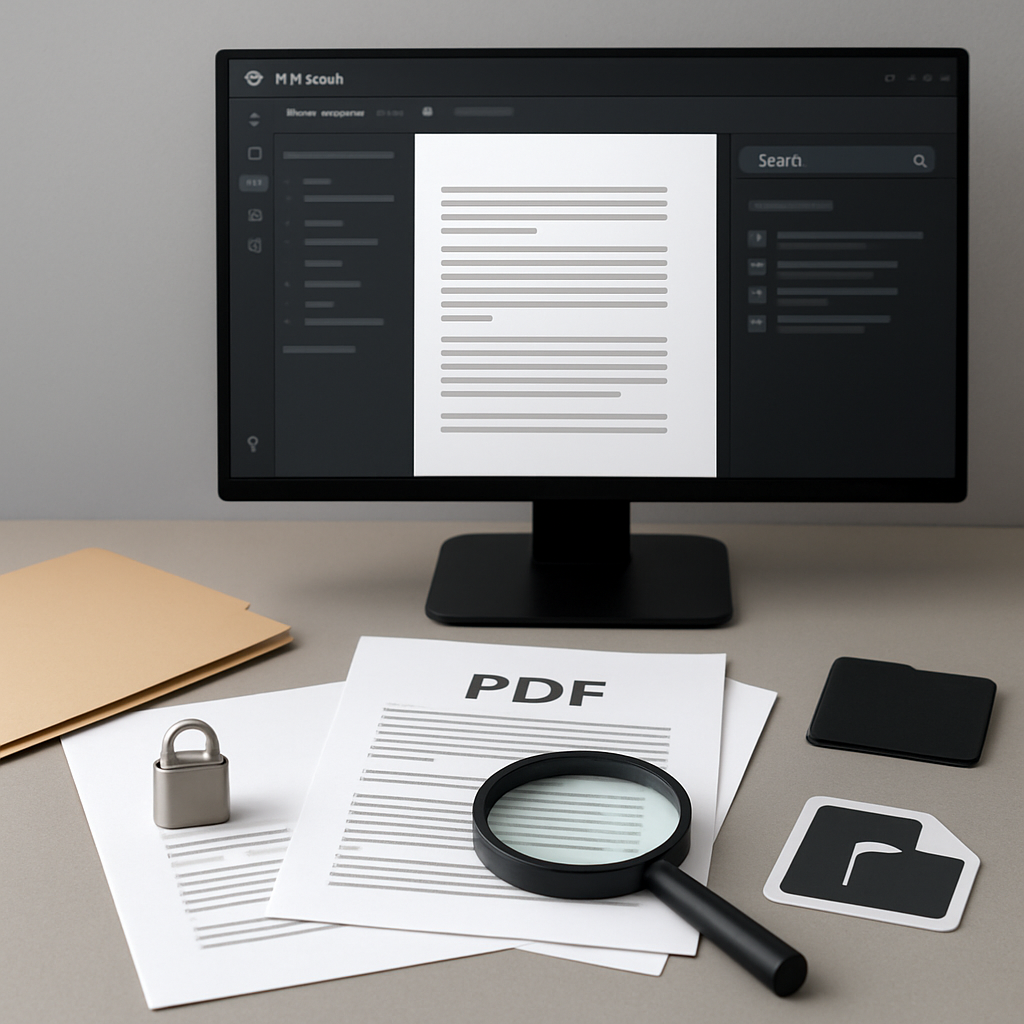
A reliable PDF reader is the starting point for almost every workflow. In PDF PowerKit, the local PDF reader is built for practical navigation with features such as zoom, page navigation actions, and a search panel.
That matters when you need to:
- Review a contract before splitting or sharing it
- Find a clause, invoice number, or project reference
- Jump between pages quickly during review
- Check a document before applying another operation
Local search is especially useful for teams working with files that stay on the device. It lets users inspect documents without sending them to a browser-based service first.
Merging PDFs without leaving the desktop
Merging is one of the most common PDF tasks in office workflows. You may need to combine reports, attach supporting materials, or assemble packets for internal review.
A local merge workflow should let you:
- Add multiple PDFs
- Reorder files before combining them
- Review the final sequence before processing
PDF PowerKit includes merge controls with reorder options so the final document reflects the structure you want before you create it.
Splitting large PDFs into manageable files
Sometimes one PDF is too large for the next step in a workflow. In those cases, splitting can help teams prepare documents for review, distribution, or archiving.
Common split approaches include:
- Splitting by page ranges
- Splitting every N pages
- Splitting into individual pages
These options are useful when a long file needs to be separated into smaller parts for internal handling. They also help when different sections of a document need to be routed to different people.
Extracting only the pages you need
Not every task requires the full document. Often, teams only need a subset of pages for a specific purpose.
Local page extraction can help you:
- Pull supporting pages from a larger file
- Create a smaller review packet
- Reuse only the relevant sections of a PDF
- Avoid sending unnecessary pages to colleagues
In PDF PowerKit, extraction is part of the local document workflow so you can prepare targeted files without rebuilding the document from scratch.
Preparing files for signing or review
Many teams use PDFs as part of a signing or approval process. In that context, the goal is not to replace legal review or advise on contract terms. The goal is to prepare the document so it is easier to handle.
A local workflow can help you get the file ready for:
- Internal approval steps
- Signature workspaces
- Review by stakeholders
- Controlled document sharing
If your process involves signatures, it is important to treat the app as a preparation tool, not as a legal advisor or compliance guarantee.
Working privately with metadata, protection, and compression tasks
Some document workflows also include metadata checks, protection settings, watermark planning, or file size reduction. These areas are useful product categories for many teams, but the exact capabilities depend on the build you are using.
When thinking about these tasks, keep expectations practical:
- Compression can help prepare files, but results vary by document
- Protection controls can support document handling, but no tool can promise absolute security
- Metadata changes can help standardize files for internal use
- Watermark workflows can support review or draft labeling when available
For the best experience, focus on what the current build ships today and treat future hardening areas as roadmap items unless they are already available in your version.
Why local-first is a strong fit for teams
A desktop-first PDF tool can be useful for teams that manage documents all day. Instead of depending on multiple online tools, they can keep a repeatable process in one Windows app.
That can help with:
- Faster routine document prep
- Less switching between apps
- More predictable handling of private files
- Easier standardization across teams
For distributed organizations, local-first workflows are also helpful because they reduce dependence on a browser session for every single task.
How PDF PowerKit supports local PDF workflows
PDF PowerKit is a native Windows desktop app built for private, local PDF work. It is designed for fast document handling with a Fluent-style dashboard, local reading, search, merge, split, and extraction features.
It also supports practical workflow details such as:
- Recent files saved locally
- Operation progress with cancel hooks
- Local theme switching
- Language options prepared for multiple markets
If your team wants to prepare PDFs locally instead of uploading them to web tools, this type of desktop app can support a more focused workflow.
Suggested workflow example
Here is a simple example of a private PDF process on Windows:
- Open the source document locally
- Search for the sections you need
- Extract the relevant pages
- Merge supporting files into one packet
- Split the final file if different recipients need different sections
- Review the output before distributing it internally
That sequence keeps common tasks in one place and avoids unnecessary uploads.
Internal links for related guidance
If you want to continue exploring practical document workflows, these resources are a good next step:
- How to Prepare Private PDF Workflows on Windows Without Uploading Files
- How to Build a Private PDF Workflow on Windows for Reading, Merging, Splitting, and Searching
FAQ
### What is a local-first PDF workflow for Windows?
A local-first PDF workflow is a way of reading, searching, merging, splitting, and preparing PDFs directly on your Windows desktop instead of uploading files to web-based tools for every step.
### Why would a team prefer a local PDF workflow?
Teams often prefer it because it keeps routine document work on the desktop, reduces switching between tools, and supports private handling of files during preparation.
### Can PDF PowerKit read and search PDFs locally?
Yes. PDF PowerKit includes a local PDF reader with navigation and search features designed for desktop-based document review.
### Can I merge and split PDFs in PDF PowerKit?
Yes. The app includes merge and split workflows, including reordering during merge and split options such as page ranges, every N pages, and individual pages.
### Does PDF PowerKit replace legal review for contracts?
No. It is a document preparation tool, not a legal advisor. It can help you organize and prepare PDFs, but it does not replace professional legal review.
Ready to prepare PDFs locally?
If you want a desktop workflow for reading, searching, merging, splitting, and preparing PDFs without moving everything into browser tools, PDF PowerKit is built for that kind of local work.
Open PDF PowerKit to get started, or explore the workflow guide here: Prepare PDF workflows locally.