Local-First Documents
How to Keep PDF Workflows Private on Windows Without Leaving Your Desktop
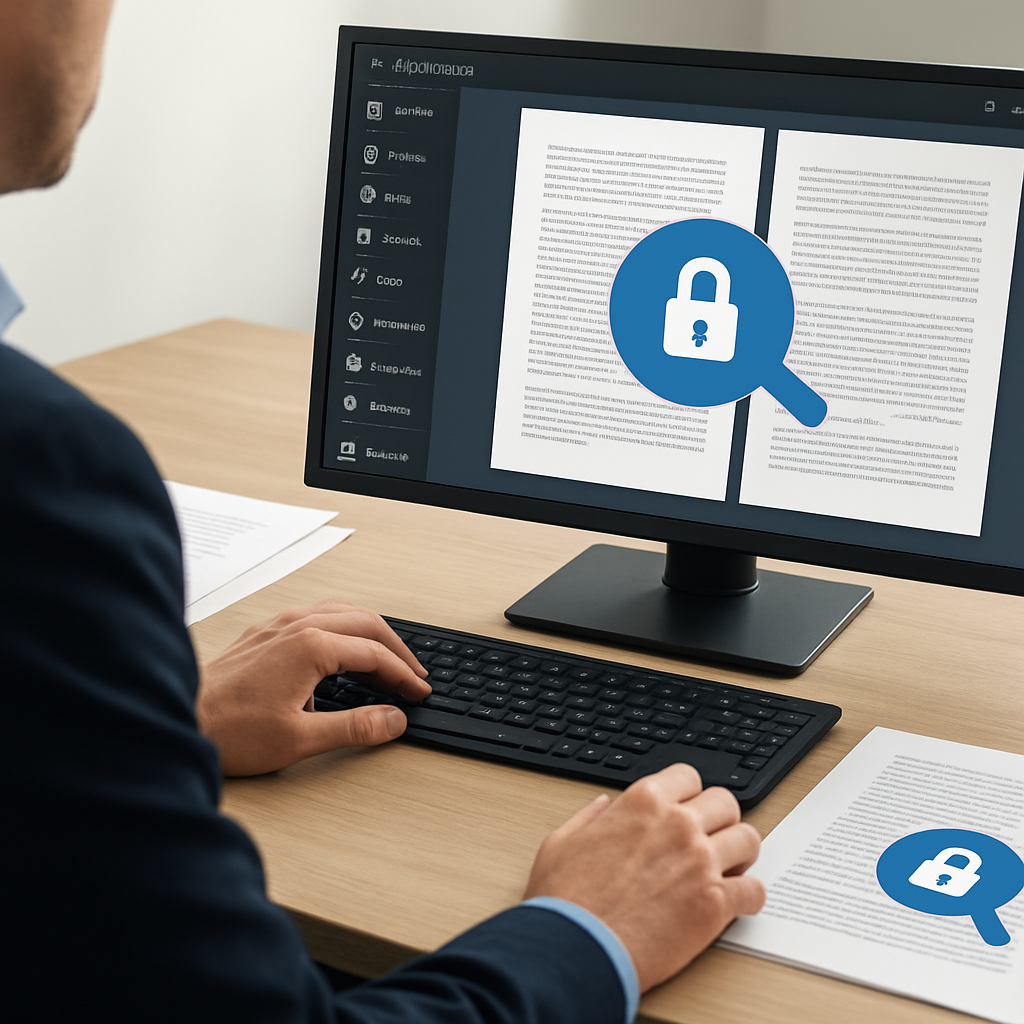
How to Keep PDF Workflows Private on Windows Without Leaving Your Desktop
Working with PDFs often means handling contracts, invoices, internal reports, forms, and review packets that should stay on your machine. If your team regularly reads, searches, merges, splits, or prepares PDFs, a local-first approach can help reduce unnecessary file sharing and keep routine work on the desktop.
In this guide, we’ll look at practical ways to keep PDF workflows private on Windows and where a desktop app like PDF PowerKit can support that process.
Why private PDF workflows matter
A private PDF workflow is not about hiding information from your team. It is about reducing avoidable exposure by keeping routine document tasks local whenever possible.
That can be useful for:
- Legal and contract review
- Finance and admin document prep
- Internal operations packets
- Education and research files
- Consultant deliverables and client drafts
Instead of uploading files to multiple web tools for each task, a local workflow lets you open, inspect, search, and prepare PDFs directly on Windows.
What a local-first PDF workflow looks like
A practical local-first workflow usually includes a few core steps:
- Open the PDF in a desktop reader.
- Search text locally to find the right section.
- Merge or split files as needed.
- Extract only the pages you need.
- Review the result before sharing it.
PDF PowerKit is designed for this kind of routine desktop work. It includes local PDF reading, search, merge, split, page extraction, and related workflows so you can keep common tasks in one place.
Common tasks you can keep on your Windows desktop
Read and navigate PDFs locally
A good desktop reader should make it easy to move through a file without leaving the app. In PDF PowerKit, the local reader is built for everyday viewing tasks such as zooming, navigating pages, and using search to jump to relevant content.
Search inside documents
When you need to find a clause, amount, name, or reference, local text search is often faster than uploading the file to a web app just to locate a few terms. PDF PowerKit supports local search so you can inspect content on your machine.
Merge related files
If you need to combine packets, reports, or supporting documents, local merge tools can help you assemble a final PDF without sending files elsewhere. PDF PowerKit includes merge workflows with reorder controls so you can arrange files before combining them.
Split large PDFs
Sometimes the safest way to prepare a file is to split it into smaller pieces. PDF PowerKit supports split workflows by page ranges, every N pages, or individual pages, which is useful for review sets and document preparation.
Extract selected pages
If only a few pages need to be shared, extracting those pages locally can be more efficient than copying or reformatting the entire file. That keeps the workflow simple and focused on the exact pages you need.
When privacy is especially important
A desktop-first approach is especially useful when the file contains:
- Client-sensitive details
- Internal financial data
- Draft agreements
- Personnel or administrative records
- Review materials that are not ready for broad distribution
For these cases, the goal is not to overcomplicate the process. It is simply to avoid extra handoffs when the task can be completed locally.
How PDF PowerKit supports local PDF work
PDF PowerKit is a native Windows app built for local PDF workflows. Its goal is to help users handle common document tasks on the desktop, with a Fluent-style interface and local file handling patterns.
Key areas include:
- Local PDF reading and navigation
- Search for text inside PDFs
- Merge and split workflows
- Page extraction
- Recent files stored locally
- Local theme switching
- Language options prepared for multiple markets
The app also includes progress feedback and cancel hooks for longer operations, which can help make batch work easier to manage.
A simple private workflow example
Here is one way a team member might use a local-first workflow in practice:
- Open a set of PDFs in PDF PowerKit.
- Search for a project name or clause.
- Merge supporting files into one packet.
- Split out the section needed for review.
- Extract a few pages for a stakeholder.
- Save the result locally and share only the final file.
That workflow keeps the work focused and reduces unnecessary file handling.
Notes on signing, protection, and future workflow areas
Some teams also need signature workspaces, watermarking, metadata controls, or protection-related steps. Those are important product areas for many PDF workflows.
When evaluating any tool, it is worth checking exactly what is available in the build you are using. PDF PowerKit can be discussed in those workflow areas, but advanced signature placement, OCR, AI, or deeper compression capabilities should only be described when they are actually shipped in the target version.
For privacy-sensitive use cases, it is also important to remember that local-first software does not mean every document is automatically protected in every situation. Users should still follow their organization’s document handling policies.
Who this approach is for
A local-first Windows workflow is a good fit for:
- Operations teams that process documents daily
- Legal and contract teams reviewing drafts
- Finance admins preparing reports and packets
- Consultants handling client files
- Small businesses that want fewer browser-based steps
- Educators organizing handouts and course materials
Internal reading suggestions
If you want to go deeper, these resources may help:
- How to Build a Private PDF Workflow on Windows for Reading, Merging, Splitting, and Searching
- Why Local-First PDF Workflows Matter for Windows Teams
FAQ
What does local-first mean for PDF workflows?
It means common document tasks are handled on your device instead of requiring a web upload for every step.
Can I read and search PDFs locally with PDF PowerKit?
Yes. PDF PowerKit is designed for local PDF reading and text search on Windows.
Does local-first mean my documents are automatically private?
No tool can promise perfect privacy in every scenario. Local-first simply reduces unnecessary uploads and keeps routine work on the desktop.
Can PDF PowerKit merge and split files?
Yes. The app includes merge and split workflows, along with page extraction options.
Is PDF PowerKit a legal tool?
No. It is a PDF workflow tool. It can help you prepare and organize documents, but it is not legal advice or a replacement for legal review.
Final thoughts
If your team spends time moving PDFs between browser tools just to read, search, merge, split, or extract pages, it may be time to simplify the process. A local-first desktop workflow can reduce friction and keep routine document work on Windows.
Start with the tasks you do most often, keep them local where possible, and build a repeatable process around them.
Open PDF PowerKit to prepare PDF workflows locally.
Soft CTA: Prepare PDF workflows locally