AI Productivity Assistant
How a Compact Windows AI Assistant Helps You Stay in Flow Without Leaving the Desktop
How a Compact Windows AI Assistant Helps You Stay in Flow Without Leaving the Desktop
If your day involves switching between documents, chat windows, email, notes, and browser tabs, it is easy to lose focus before the work is actually done. A compact Windows AI assistant is designed to reduce that friction by bringing common AI actions closer to the text you are already working on.
Flytivy AI Assistance is built for that workflow. Instead of opening a separate full-screen AI tool, you can paste or select text, choose an action, adjust tone or language, and keep moving. For many Windows users, that makes everyday writing and editing feel less interrupted.
Why a compact Windows AI assistant matters
A desktop workflow usually breaks down when a task needs just one more step:
- rewrite a sentence
- shorten a paragraph
- translate a customer reply
- summarize a long note
- draft an email response
- turn an idea into a task
Doing all of that by jumping between apps costs time and attention. A compact assistant is useful because it keeps the action close to the source text. That means less context switching and fewer chances to lose your place.
Flytivy is designed to support this kind of workflow on Windows with quick actions that fit into normal work patterns.
Common daily use cases
1) Writing and editing
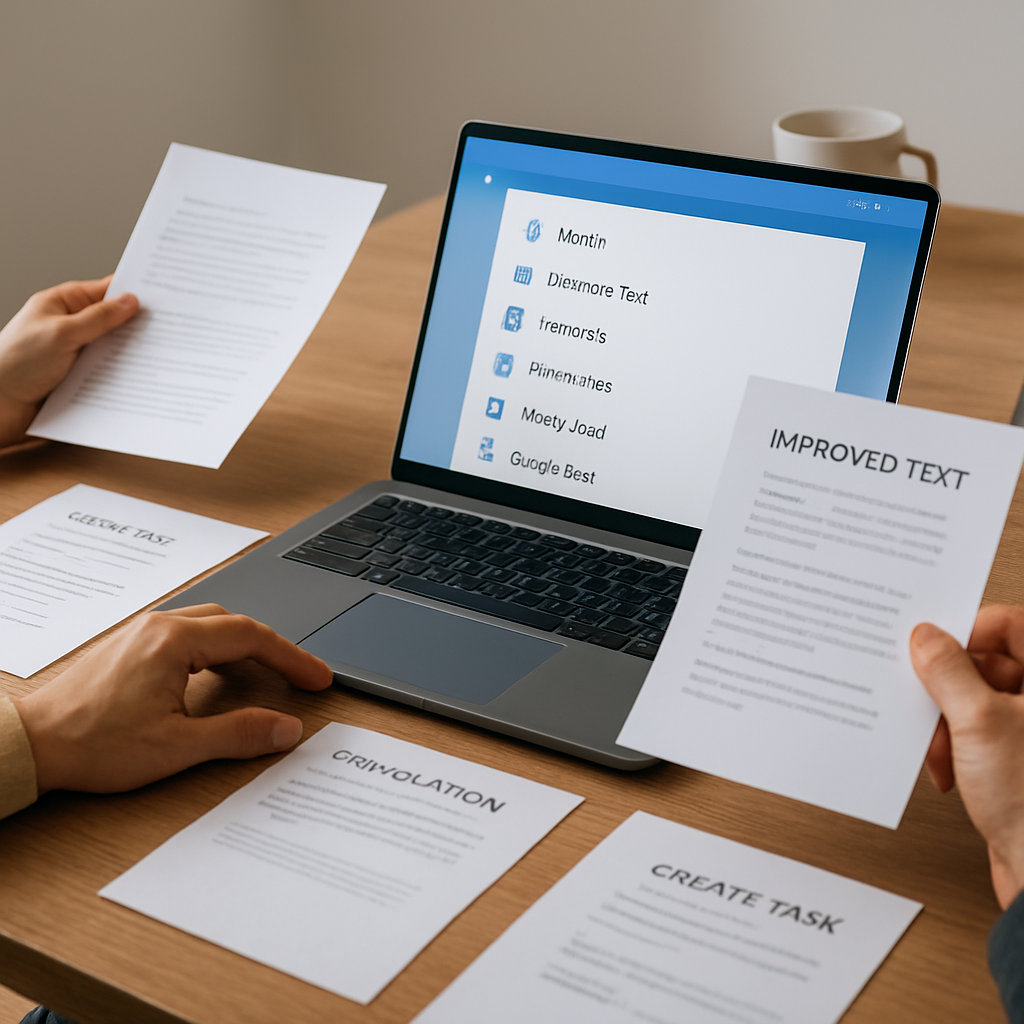
When a message sounds too rough, too long, or not clear enough, you can use actions like Improve Text, Make Shorter, or Professional tone. This can help you move from a draft to a cleaner version without starting over.
2) Email replies
Writing email responses often takes more time than expected. With an action like Write Email, you can shape a reply from a short prompt or a pasted message, then edit the result before sending.
3) Summaries and explanations
Long notes, meeting text, or customer feedback can be easier to work with after a quick summary. Flytivy also includes Explain, which can help reframe dense text in a simpler form.
4) Translation
If you work across languages, Translate can help you turn text into a different language without leaving your desktop workflow.
5) Task capture
Sometimes the fastest next step is not another draft, but a task. Create Task is designed to help you turn a sentence or request into something actionable.
6) Brainstorming and prompt support
When you need ideas, Brainstorm can help you generate options. You can also save notes and use custom prompts to shape recurring work.
How Flytivy fits into real Windows work
Flytivy AI Assistance is built as a compact Windows app with expanded and bubble/widget modes. That gives you flexibility depending on how you like to work:
- use a larger view when you need more space
- use a smaller widget-style view for quick actions
- copy the result when you are done
- replace the original text when that is the right move
- regenerate when you want another version
- save a note for later reference
It also supports local history, clipboard import, contextual hotkeys, model and theme settings, and company or custom instructions. Those options are useful when the same kind of work comes up repeatedly.
Free, Pro, and Ultimate: what changes
Flytivy uses clear credit-based usage, so it is easier to understand how many AI actions are available.
- Free provides a quick trial with 10 AI actions.
- Pro adds 500 monthly AI actions, conversation history, Clipboard AI and shortcuts, custom prompts, and image analysis.
- Ultimate adds 1200 monthly AI actions, the Document assistant, and export responses.
If you are comparing plans, it helps to match the plan to your actual workload. A solo professional who only needs occasional rewriting may prefer a lighter setup, while a support, sales, or content workflow may benefit from more actions and history.
Credit-based actions and predictable usage
One reason people hesitate to use AI tools in daily work is uncertainty. If every small rewrite feels expensive or unclear, they may stop using the tool altogether.
A credit-based model can help make usage more predictable. Flytivy is designed around clear AI action counts so you can understand what is available during your workday. If you want a deeper explanation of that model, see How Credit-Based AI Actions Keep Windows Workflows Fast and Predictable.
What makes the workflow feel lighter
The main benefit is not that the assistant does “everything.” It is that it helps with small but frequent tasks at the point where they happen.
That can include:
- rewriting a sentence before you send it
- trimming a message that is too long
- translating a quick reply
- summarizing a block of notes
- turning a thought into a task
- polishing tone for a customer-facing message
These are modest actions, but together they can save a lot of friction across the day.
For another angle on this workflow, you may also find How a Compact Windows AI Assistant Reduces Writing Friction During Daily Work useful.
Practical tips for getting better results
To get more useful output from any AI assistant, it helps to be specific:
- provide the actual text you want to improve
- choose the action that matches the task
- set the right tone when available
- use the target language when translating
- review the result before copying or replacing the original
Flytivy is designed to support editing and refinement, but it is still best used as part of a normal review process rather than a replacement for it.
Who may benefit most
Flytivy is a strong fit for people who regularly work in Windows and deal with text-heavy tasks:
- solo professionals
- small business owners
- support teams
- sales teams
- content operators
- remote workers
- Windows productivity users
If your day includes frequent writing, summarizing, or quick text transformations, a compact assistant can reduce the time spent moving between apps.
FAQ
What is a Windows AI assistant?
A Windows AI assistant is a tool that helps you perform common text tasks on a Windows desktop, such as rewriting, summarizing, translating, or drafting messages.
Does Flytivy replace human review?
No. Flytivy is designed to support your work, but results should still be reviewed before you send, publish, or reuse them.
Can I use Flytivy for email and task creation?
Yes. Flytivy includes actions such as Write Email and Create Task to help turn text into practical next steps.
Is Clipboard AI included in every plan?
No. Clipboard AI is part of Pro features, along with conversation history, shortcuts, custom prompts, and image analysis.
Is the Document assistant available in Pro?
No. The Document assistant is included in Ultimate.
How many AI actions do I get?
The available AI actions depend on the plan. Free includes a quick trial with 10 AI actions, Pro includes 500 monthly AI actions, and Ultimate includes 1200 monthly AI actions.
Soft CTA
If you want a compact Windows AI assistant that stays close to your daily workflow, you can Get Flytivy AI Assistance and try the quick AI actions that fit your routine.
If you are still comparing how the product works, the best next step is to Try quick AI actions and see whether the desktop-first workflow feels natural for your tasks.