Local-First Search
How to Index Folders for a Local-First AI Knowledge Vault on Windows: Metadata Discovery, Folder Rules, and Faster Semantic Search
How to Index Folders for a Local-First AI Knowledge Vault on Windows: Metadata Discovery, Folder Rules, and Faster Semantic Search
A local-first AI knowledge vault becomes useful when it can turn scattered folders into a searchable memory. For many Windows users, the challenge is not storing more files — it is finding the right context later. Documents, PDFs, screenshots, web captures, meeting notes, and decisions often live across multiple folders and drives, making recall slow and inconsistent.
This article explains how folder indexing supports local-first search, why metadata discovery matters, and how a private knowledge vault can help you organize information without forcing you to change your entire workflow.
What folder indexing means in a local-first AI knowledge vault
Folder indexing is the process of scanning selected folders and capturing useful metadata so the vault can discover what is inside your content library. In a local-first setup, the goal is not to move everything into the cloud. Instead, the app can build a searchable layer around your existing files and help you retrieve information by meaning, not just by filename.
In practice, folder indexing can help a vault recognize:
- file names and paths
- timestamps and recency
- document types such as PDFs, notes, images, or screenshots
- extracted text or summaries where available
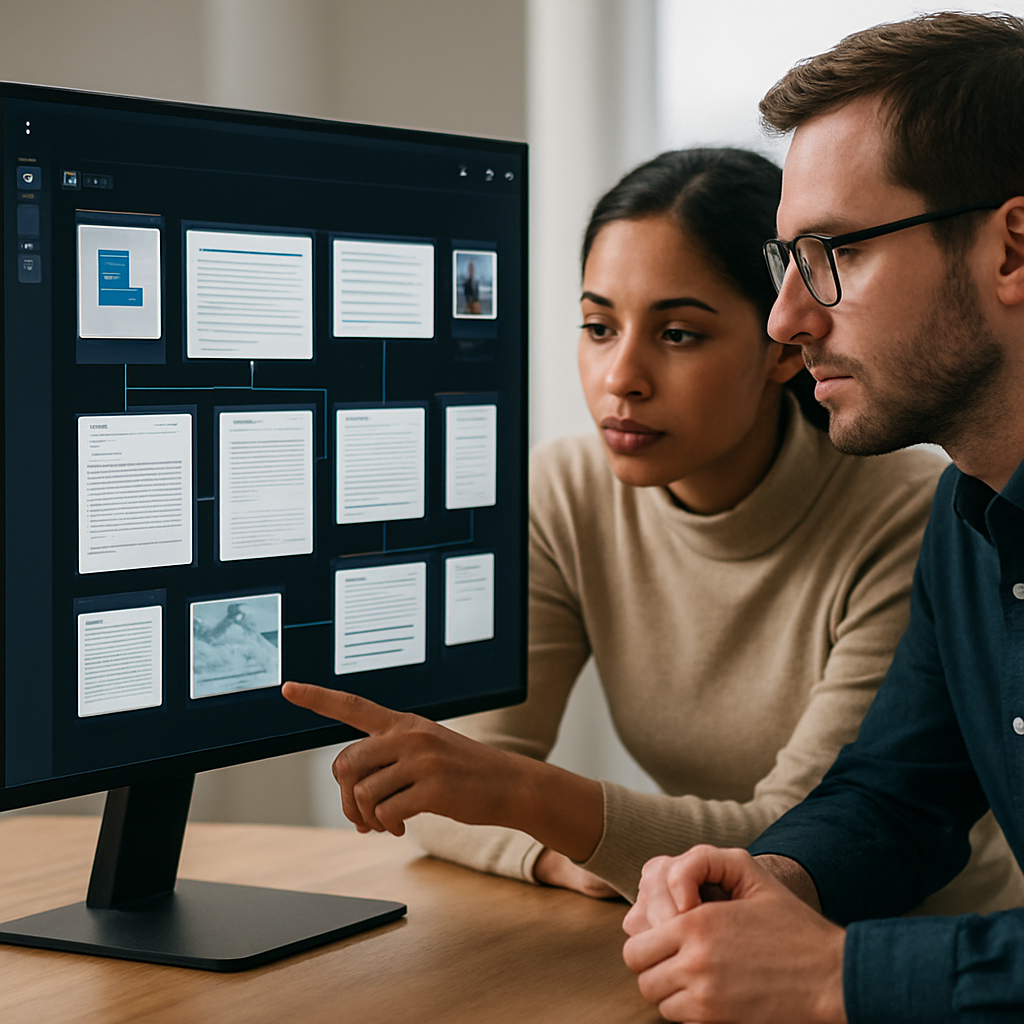
- relationships between related items
For a product like Flytivy AI Knowledge Vault, this is especially useful because the app is designed around private memory, local-first discovery, and semantic search.
Why metadata discovery is the first step
Metadata discovery gives the vault a fast map of your content before deeper analysis happens. This matters because many users want quick search and responsive browsing, especially when a vault contains a large number of files.
A metadata-first approach can support:
- faster initial indexing
- lighter local scanning
- improved folder browsing
- better filtering by date, type, or source
- earlier visibility into what the vault already knows
This is also useful when you want to start with a smaller set of folders, then expand over time. You do not need to reorganize every file on day one.
How folder rules improve search quality
Folder rules help define what gets indexed and how the vault should treat different sources. This makes the search experience more predictable and easier to manage.
Examples of useful folder rules include:
- Index only specific work folders
- Exclude temporary or system folders
- Separate personal and client content
- Prioritize folders with recent project material
- Keep archived folders searchable but lower priority
Well-defined folder rules can reduce noise and improve relevance when you ask the vault a question later.
Why semantic search is better than folder hunting
Traditional folder browsing works when you remember where something was saved. But knowledge work rarely works that way. You may remember the idea, the person involved, or the meeting outcome — not the exact filename.
Semantic search helps by looking for meaning rather than exact text matches. That means you can search for ideas like:
- the decision we made about pricing
- the screenshot from last week’s onboarding issue
- the research note about competitor positioning
- the PDF that mentions a specific project constraint
In a local-first AI knowledge vault, this type of search can make your files feel more like memory than storage.
What kinds of content work well in a vault
A practical vault usually includes several content types, such as:
- documents and PDFs
- notes and internal writeups
- images and screenshots
- web captures and saved references
- decisions and meeting outcomes
- research fragments and project context
If your workflow includes mixed content, indexing folders can unify it into one searchable space instead of leaving each file type isolated.
How Windows users can approach folder indexing
For Windows users, the best results usually come from starting with the folders that matter most to your daily work. A simple setup is often better than trying to index everything at once.
A practical workflow might look like this:
- Choose one active project folder
- Add a second folder for reference material
- Include notes or exports from your workflow tools
- Exclude cluttered or temporary directories
- Review the first search results before expanding further
This approach makes it easier to check whether the vault is capturing the right context.
How Ask Your Vault fits into the workflow
Once your folders are indexed, asking the vault becomes the fastest way to retrieve context. Instead of searching through multiple drives manually, you can ask a question and let the vault surface relevant results.
Examples of useful prompts include:
- What did we decide about the project timeline?
- Show notes related to the client onboarding issue
- Find the screenshot that mentions the dashboard error
- Summarize the main points from last quarter’s research
That is the promise of a private AI memory: less time searching, more time acting on what you already know.
What to expect from a local-first privacy model
Local-first design is attractive because document bytes can stay on the machine by default, while identity, subscription state, and selected metadata-related services may be handled separately. This can support a more controlled workflow than uploading everything to a general-purpose cloud.
Still, privacy is a design choice, not a guarantee. Users should review how each product handles indexing, sync, analytics, and optional AI features before storing sensitive material.
When to consider Pro or Business upgrades
If your vault grows beyond a small personal setup, upgrades may become useful for scaling your workflow. Pro or Business plans can be relevant when you want to manage more folders, larger libraries, or team-oriented use cases, depending on the plan structure.
Before upgrading, check the current limits for:
- folder indexing
- OCR or image workflows
- graph or memory features
- search capacity
- team or device access
That way, your setup matches your actual workflow instead of forcing a rebuild later.
Practical setup tips for better results
To get better search outcomes from folder indexing, keep these habits in mind:
- Use clear folder names for active projects
- Keep source folders stable when possible
- Separate current work from archived content
- Add high-value folders first
- Review search quality after each indexing pass
Small changes in folder structure can make a large difference in retrieval quality.
Conclusion
Folder indexing is the bridge between your files and your memory. In a local-first AI knowledge vault on Windows, metadata discovery and folder rules help you organize information without losing the flexibility of your existing workflow. Once your content is indexed, semantic search and Ask Your Vault can make it much easier to recover decisions, notes, screenshots, and research at the moment you need them.
If you want to build a private AI memory for documents, notes, PDFs, images, and decisions, explore Flytivy AI Knowledge Vault and see how a local-first workflow can fit your Windows setup.
FAQ
### What is folder indexing in a local-first AI knowledge vault?
Folder indexing is the process of scanning selected folders and capturing metadata so the vault can search and organize content more effectively.
### Does local-first indexing mean my files are uploaded to the cloud?
Not necessarily. In a local-first model, content can stay on your machine by default, while only selected metadata or service data may be handled separately depending on the product design.
### Why is metadata discovery important?
Metadata discovery helps the vault identify files quickly and organize them before deeper search or semantic analysis happens.
### Can semantic search replace manual folder browsing?
It can reduce the need for manual browsing by helping you search by meaning, topic, or decision rather than exact filenames alone.
### Is OCR available for all image files?
OCR capabilities and limits depend on the product and plan. Check the current feature details for your edition before relying on image workflows.
Internal / related links
- Build your private AI memory
- Related topic idea: Knowledge graph workflows for connected notes and decisions
- Related topic idea: OCR for screenshots and image-based research in a private vault
Soft CTA
Ready to turn scattered folders into a searchable memory? Build your private AI memory and start with the folders that matter most.