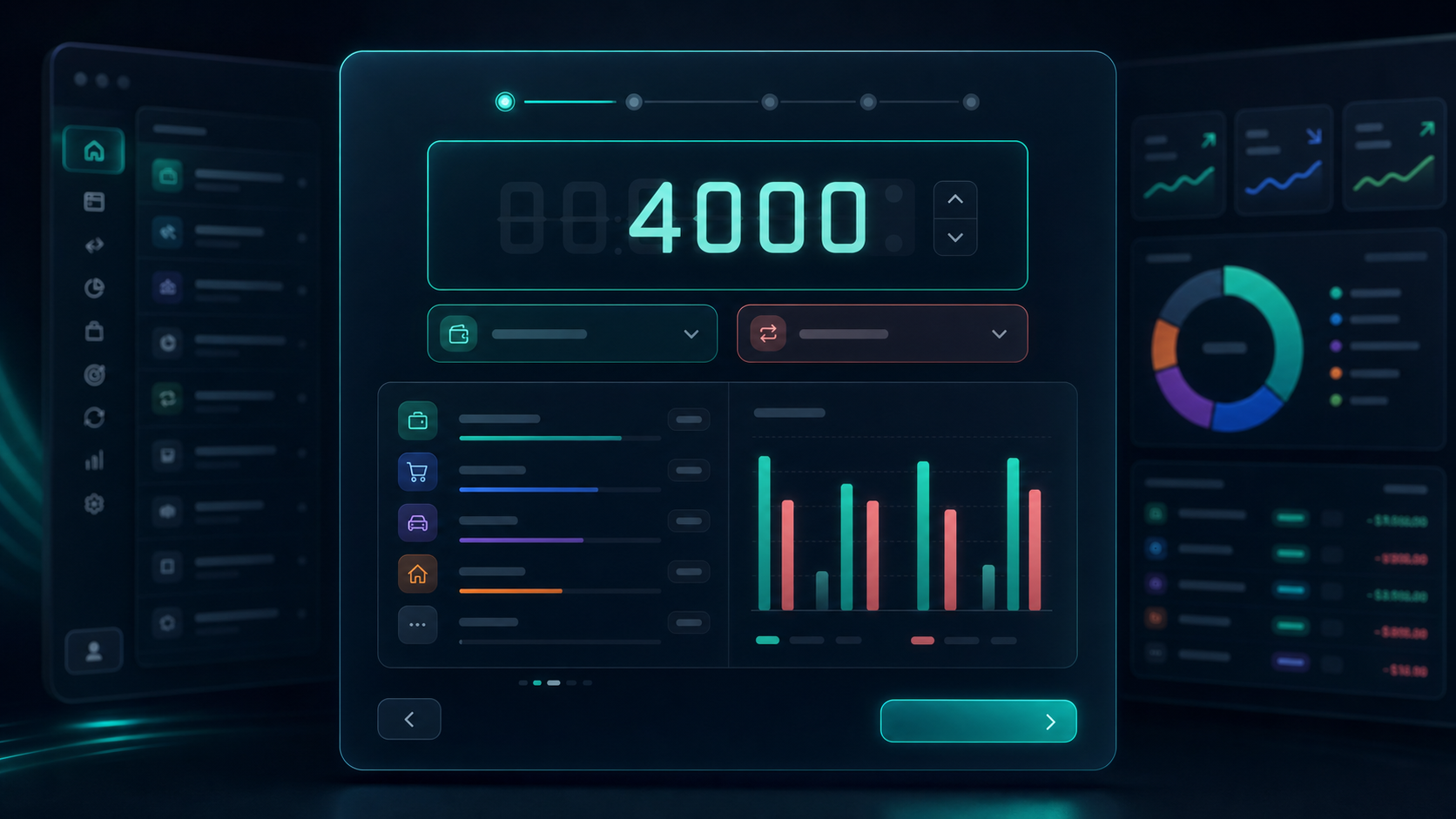
Onboarding that builds your first month
Enter recurring income, one-off income, expenses, and budget before creating an account.
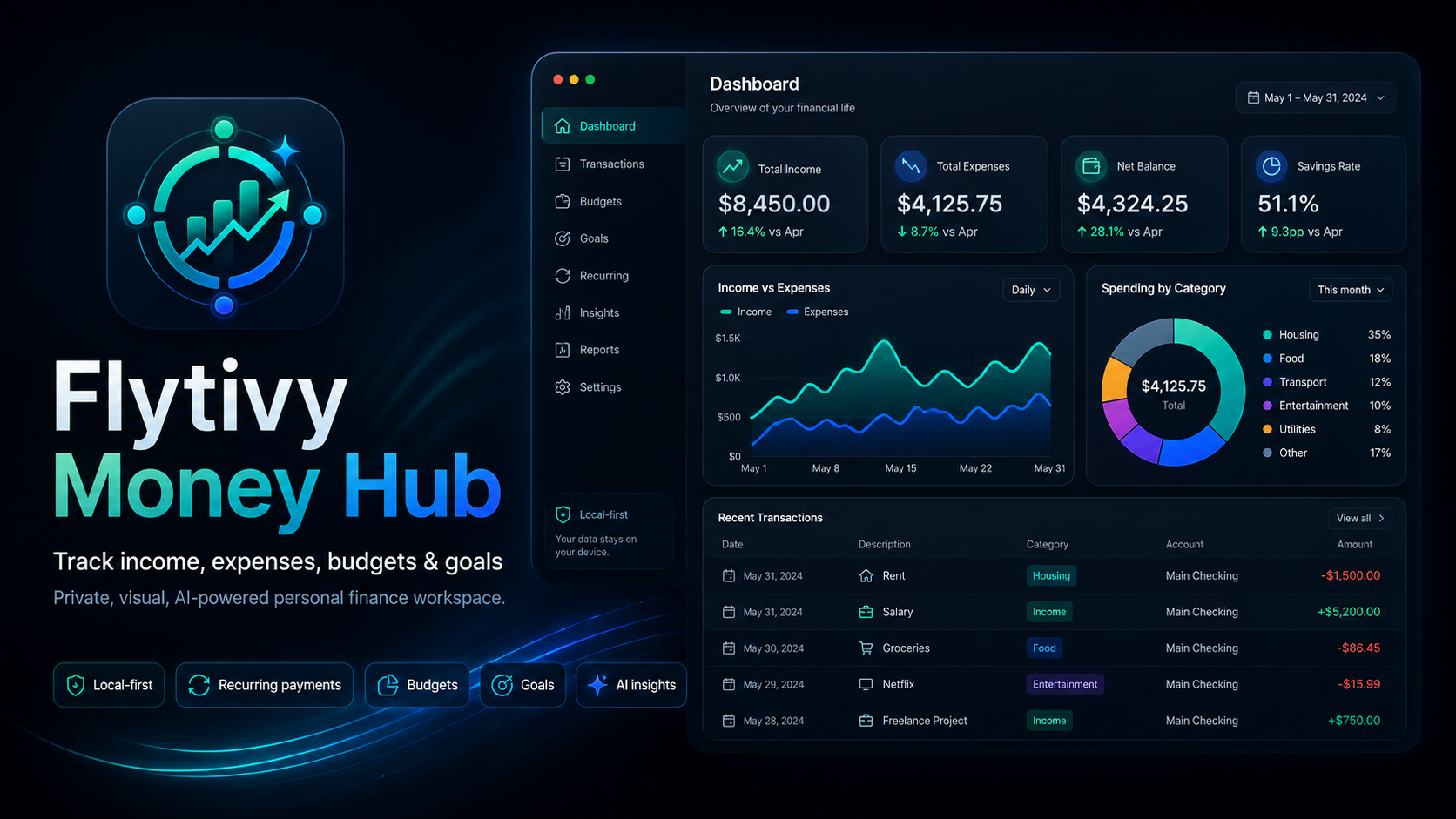
Personal finance desktop app
Organize income, expenses, budgets, subscriptions, and goals in a visual hub designed to understand your money in minutes.
Product
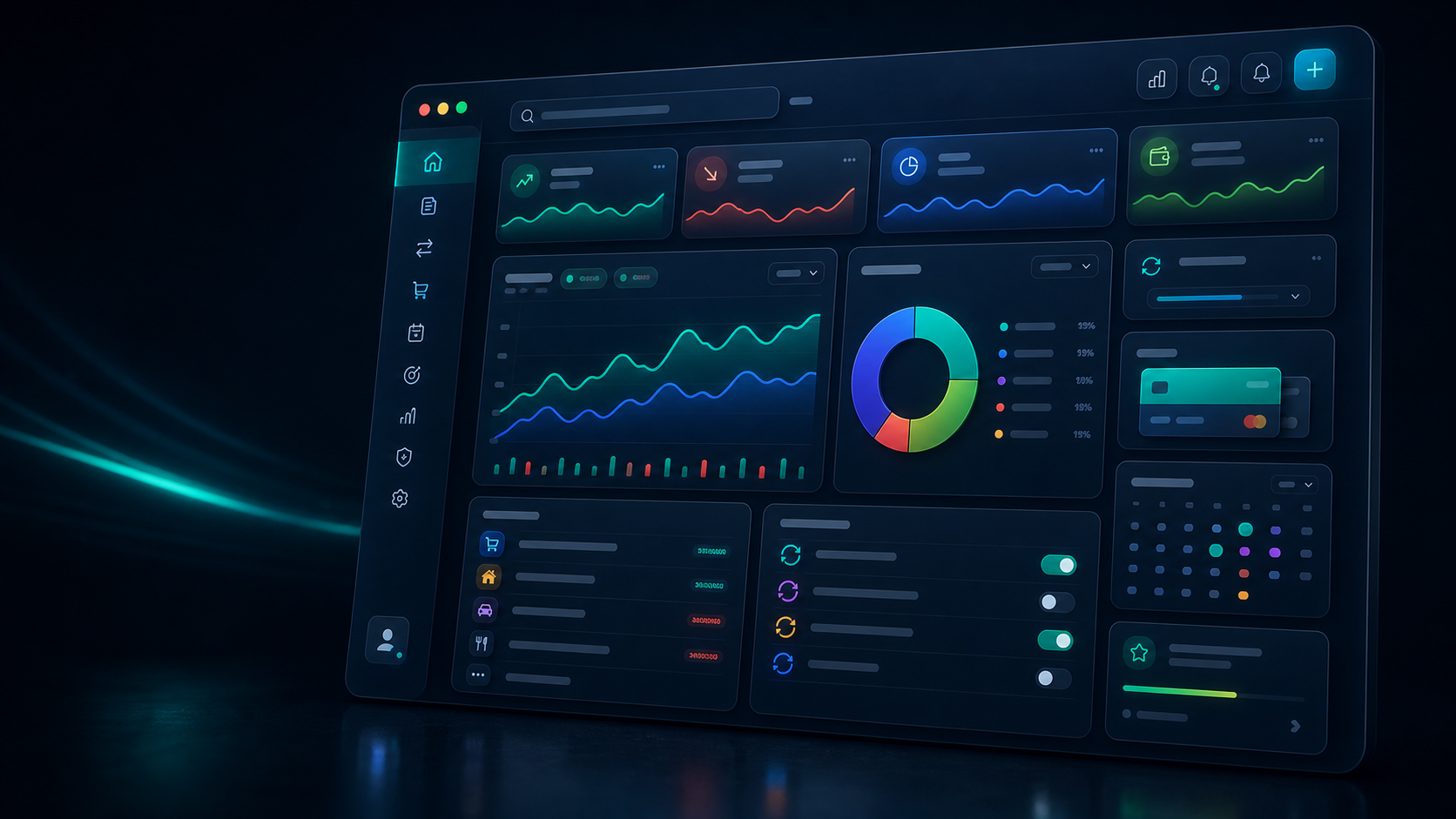
Flytivy organizes movements, recurring income, one-off expenses, budgets, and goals in an interface built to review, correct, and decide fast.

Workflows
Enter recurring income, one-off income, expenses, and budget before creating an account.
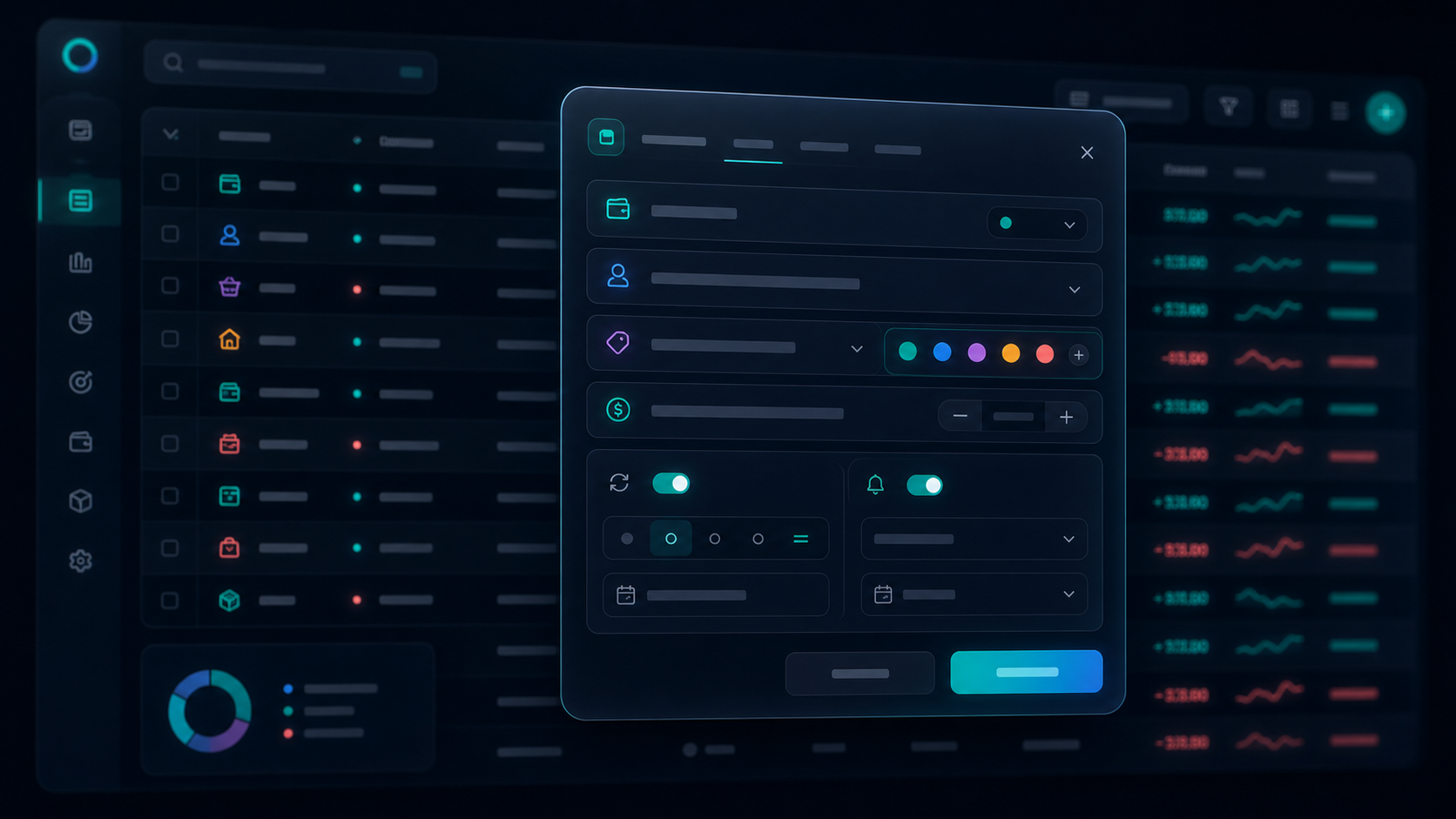
Edit amount, date, category, account, merchant, tags, notes, and recurring flags.

Clear charts for category, monthly trend, savings, and extraordinary expenses.
Optional account to save your progress, unlock plans, and keep your workspace close.
Privacy
The app prioritizes your control: start locally, then activate an account whenever you want to save, sync, or unlock advanced features.
 Your financial workspace
Local first. Account whenever you want to sync.
Your financial workspace
Local first. Account whenever you want to sync.
Download
Download the desktop app and start with guided onboarding to build your first budget without spreadsheets.
FAQ

To centralize income, expenses, budgets, subscriptions, goals, and reports in a visual personal finance workspace.
Yes. You can start locally, complete onboarding, and review your first month before signing in or creating an account.
Recurring income, fixed and variable expenses, extraordinary movements, monthly budget, categories, goals, and visual reports.